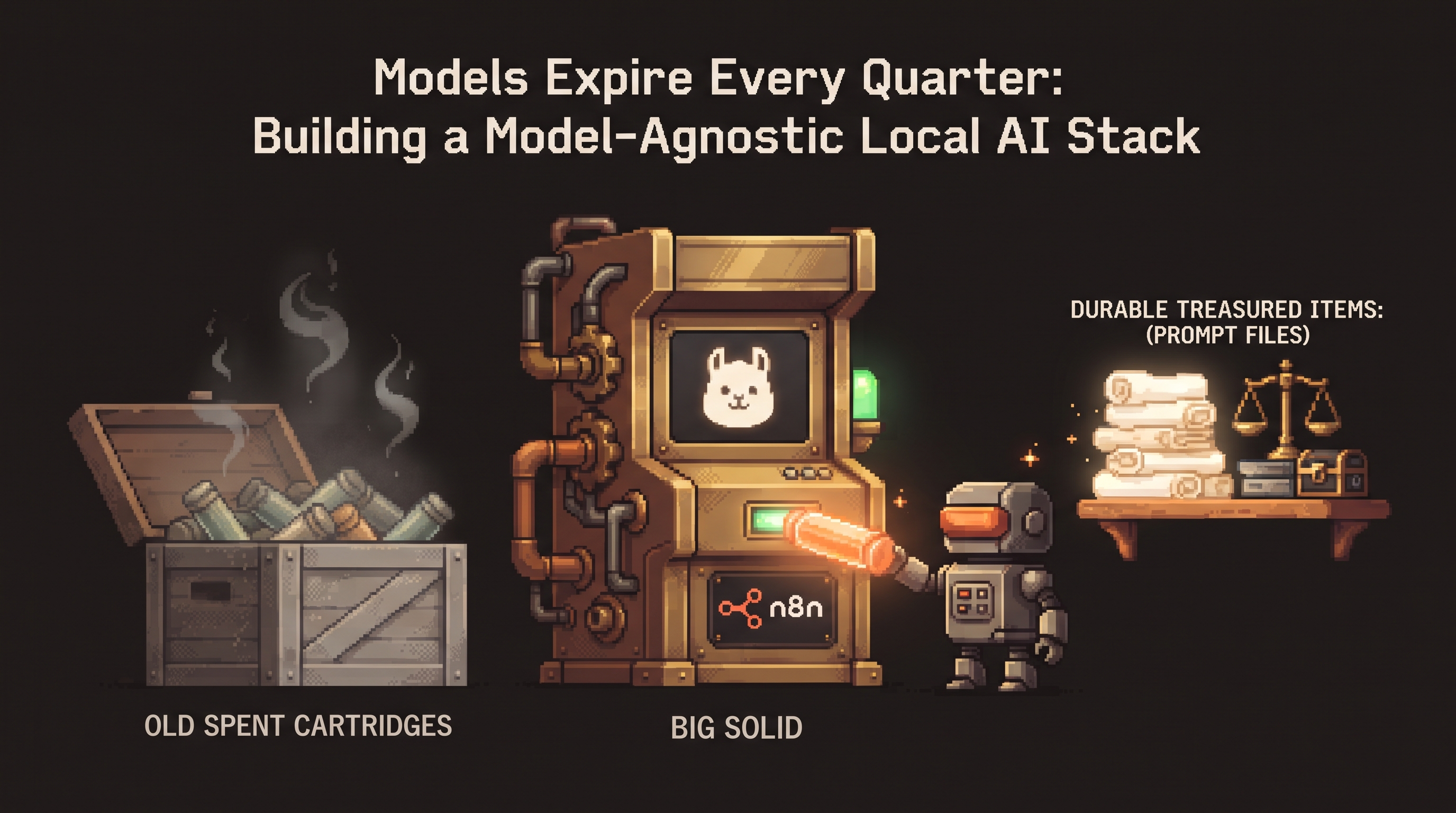
Look back at your own tool history for a moment. The model you were excited about eighteen months ago is retired. The "state of the art" coding assistant from last year is now the mid-tier option. The prompt tricks that felt like secrets are baked into every new model and mostly stop mattering. Meanwhile the plugin you wrote for yourself, the eval suite you built, and the folder of context files on your disk still work with every model you've installed since.
That's the pattern nobody prices in: AI tooling has a half-life, and it's short. Models turn over in months. The interfaces built around them turn over almost as fast. If your workflow is welded to any one of them, you're rebuilding your workflow every quarter — learning new menus, re-doing integrations, rewriting prompts against a moving target.
The alternative isn't predicting winners. It's architecture: build your stack so the perishable parts are thin and swappable, and the durable parts are yours. Local-first setups make this easier than cloud ones, because a local stack is already a pile of files and local servers you control — you just have to arrange them deliberately.
A model-agnostic local AI stack separates what expires fast (model versions, vendor apps, prompt tricks) from what lasts (your context files, eval suites, MCP-style tool connections, and hardware). Practically: keep prompts and personas in files every model can read, talk to models through one stable local API instead of each vendor's app, connect tools through a protocol layer rather than per-model plugins, and gate every model swap with an eval suite. When a better model lands, you change one line — not your whole workflow.
The Half-Life Table
Start by sorting your stack by how long each piece stays useful:
| Layer | Examples | Half-life | Why it churns |
|---|---|---|---|
| Model versions | llama3.2, qwen2.5, the monthly "best" | Months | Labs ship constantly |
| Hosted apps & UIs | Chat front-ends, vendor workspaces | Months | Product pivots, pricing |
| Prompt techniques | Magic phrases, jailbreak-era tricks | Months | Baked into models |
| Integrations & protocols | MCP servers, local API glue | ~Years | Standards move slowly |
| Your artifacts | Prompts-as-files, profiles, eval suites, logs | Years | Plain files, portable |
| Hardware | RAM, GPU, storage | Years | Physics, not fashion |
Two zones emerge: everything in the top three rows you should assume will be replaced; everything in the bottom three is where your investment compounds. Most burnout in AI-assisted work comes from spending effort in the wrong zone — re-mastering a new interface every quarter while the durable assets never get built.
Rule 1: Prompts Are Files, Not Chat History
If your best prompt lives in a past conversation, it's already half-lost. The durable home for prompts is the file system, where every model — current and future — can read them:
# prompts/review-pr.md
You are reviewing a pull request for a payments service.
Check: error handling on network calls, currency rounding,
secrets in logs. Output: findings list ordered by severity.
Never rewrite the code yourself; describe the fix.
The same file works with any model you point at it. When a new model lands, you don't rewrite the prompt; you test whether the new model follows it better (more on that in Rule 4). Personas and standing rules live the same way — in profile files and Modelfile SYSTEM blocks, not in muscle memory of what this month's chat product calls a "Project."
Rule 2: One Door to the Models
Vendor apps come and go; your pipeline shouldn't notice. Keep a single stable entry point to every model — Ollama's local OpenAI-compatible API is the practical standard — and make every workflow, script, and automation speak to that, never to a specific vendor's interface:
# every workflow speaks to one address; models rotate behind it
provider:
  base_url: "http://localhost:11434/v1"
  model: "{{MODEL_TAG}}"     # llama3.2 today, whatever wins tomorrow
The payoff shows up on release day for any new model: pull it, change one tag, and your entire automation estate — drafts, triage, reports, evals — is running on the new engine. No re-integration, no re-learning where the buttons moved. Cloud models can join the same way, as occasional exceptions behind the same door, with sanitized context — the architecture doesn't care where the engine lives, only that the door stays constant.
Rule 3: Tools Connect Through a Protocol, Not a Plugin
The year's most durable idea in AI tooling is the connection layer: protocols like MCP that let a model reach your databases, files, and APIs through standard interfaces instead of per-vendor plugins. The distinction matters for half-life reasons:
- A plugin built for one assistant's plugin system inherits that product's churn.
- An MCP server you run locally — a file-reader, a database connection, a webhook sender — serves any model that speaks the protocol, this year's and (in all likelihood) next year's.
{
  "mcpServers": {
    "local-files": { "command": "mcp-server-filesystem", "args": ["/workspace/projects"] },
    "postgres": { "command": "mcp-server-postgres", "args": ["--read-only"] }
  }
}
Write your tool connections once, against the protocol. When the model changes, the tools don't — which is exactly the inversion that makes a stack durable.
Rule 4: The Eval Suite Is the Shock Absorber
Swappable models are only safe if swapping is measured. This is where the eval habit pays for the whole architecture: a small promptfoo suite — a handful of prompts with assertions, run against the local API — turns "the new model feels sharper" into "34/34 assertions pass, promote":
# the swap ritual, every time
ollama pull newmodel:7b
npx promptfoo@latest eval -c evals/core-tasks.yaml \
  --provider openai:gpt-4o-mini:http://localhost:11434/v1:newmodel:7b
# green -> flip MODEL_TAG; red -> stay, with a list of exactly what broke
The suite itself is a durable asset: it encodes what "working" means for your tasks, in a form no vendor controls. Models improve underneath it; the definition of done stays yours.
Rule 5: Buy Hardware, Rent Models
The bottom row of the half-life table is the safest investment in the stack. RAM and a decent GPU outlive every model that will ever run on them — the machine that ran last year's 7B runs this year's 12B and will run next year's whatever. The economics mirror the developer-hardware shift of the past couple of years: people stopped renting tokens for daily repetitive work and started buying machines, because repetitive local inference at scale costs electricity while the capability keeps arriving on the used-market-friendly side of hardware.
The rule of thumb: buy the boring layer (compute, storage), rent the exciting layer (frontier capability for the rare task that needs it). A machine sized for a 14B model covers ninety percent of daily work forever; the occasional frontier-quality reasoning task justifies a few dollars of API spend through the same door — a deliberate exception, not a subscription-shaped lifestyle.
What a Quarterly Model Release Looks Like
The architecture earns its keep on release day. Compare the two workflows:
| Step | Welded stack | Model-agnostic local stack |
|---|---|---|
| New model drops | Re-learn new UI, re-add integrations | ollama pull |
| Prompts | Re-tune against new behavior | Run the eval suite against the same files |
| Tools | Wait for plugin support | Unchanged — protocol layer doesn't care |
| Decision | Vibes | 34/34 or stay |
| Total cost | An evening, every quarter | Ten minutes, every quarter |
Make It Practical This Month
- Rescue your three best prompts from chat history into files tonight.
- Point every recurring automation at one local API address with a single
MODEL_TAGvariable. - Move one per-vendor integration to an MCP server you run yourself.
- Build the ten-minute eval suite before the next model you're tempted by — it's the piece that makes swapping safe.
The tools will keep expiring; that's the one reliable prediction in this space. The stack that treats churn as a constant — thin doors, fat files, measured swaps — stops caring about the prediction. New model? Pull, evaluate, flip the tag. That's the whole ceremony.
Frequently Asked Questions
Doesn't locking into one local API just move the lock-in problem? OpenAI-compatible APIs are the closest thing the space has to a neutral socket — nearly every model, local or hosted, speaks it, and it's trivially proxied if it ever shifts. The insurance is structural: your prompts, evals, and tools are files that work with any provider, so even a hypothetical protocol collapse costs you a weekend of adapter work, not a workflow.
What about features only the big hosted assistants have? Use them — as exceptions, through the same door, with context you'd be comfortable shipping to that vendor. Artifacts, deep research modes, and frontier reasoning are genuinely excellent at the rare tasks that need them. The architecture doesn't forbid renting capability; it just keeps the rented parts from becoming the load-bearing walls.
How do I stop prompt files from rotting as models change? That's the eval suite's second job: it detects when a model change quietly broke a prompt that used to work. A failing test on an old prompt file tells you exactly which durable asset needs a touch-up — file-by-file, not workflow-by-workflow. Treat prompt files like code: owned, versioned, tested.
Is this overkill if I only use AI casually? Scale it down, keep the shape. Casual users still benefit from the two cheapest rules: prompts as files, and one door to the models. That's a folder and a habit, not infrastructure — and when the next model lands, you'll be the person spending ten minutes while everyone else relearns an interface.
Related posts
Escape the Average: Creative Prompt Techniques for Local LLMs
Local LLMs give generic answers by design. Fix it with Ollama sampling dials, ban lists, and constraint stacks baked into reusable Modelfiles.
Hire the Playbook: Claude Skills as Guided, Step-by-Step Workflows
Abandoned projects aren't waiting on motivation — they're waiting on structure. A skill file turns Claude from answer-dispenser into guide: plan decomposed, one step visible at a time, ELI5 on demand.

Map It First: Design Workflows Before You Automate Them
Automating an unmapped process just repeats the mess faster. Document reality, name an owner for every output, bound automation by risk — then hand the runbook to people or AI agents.