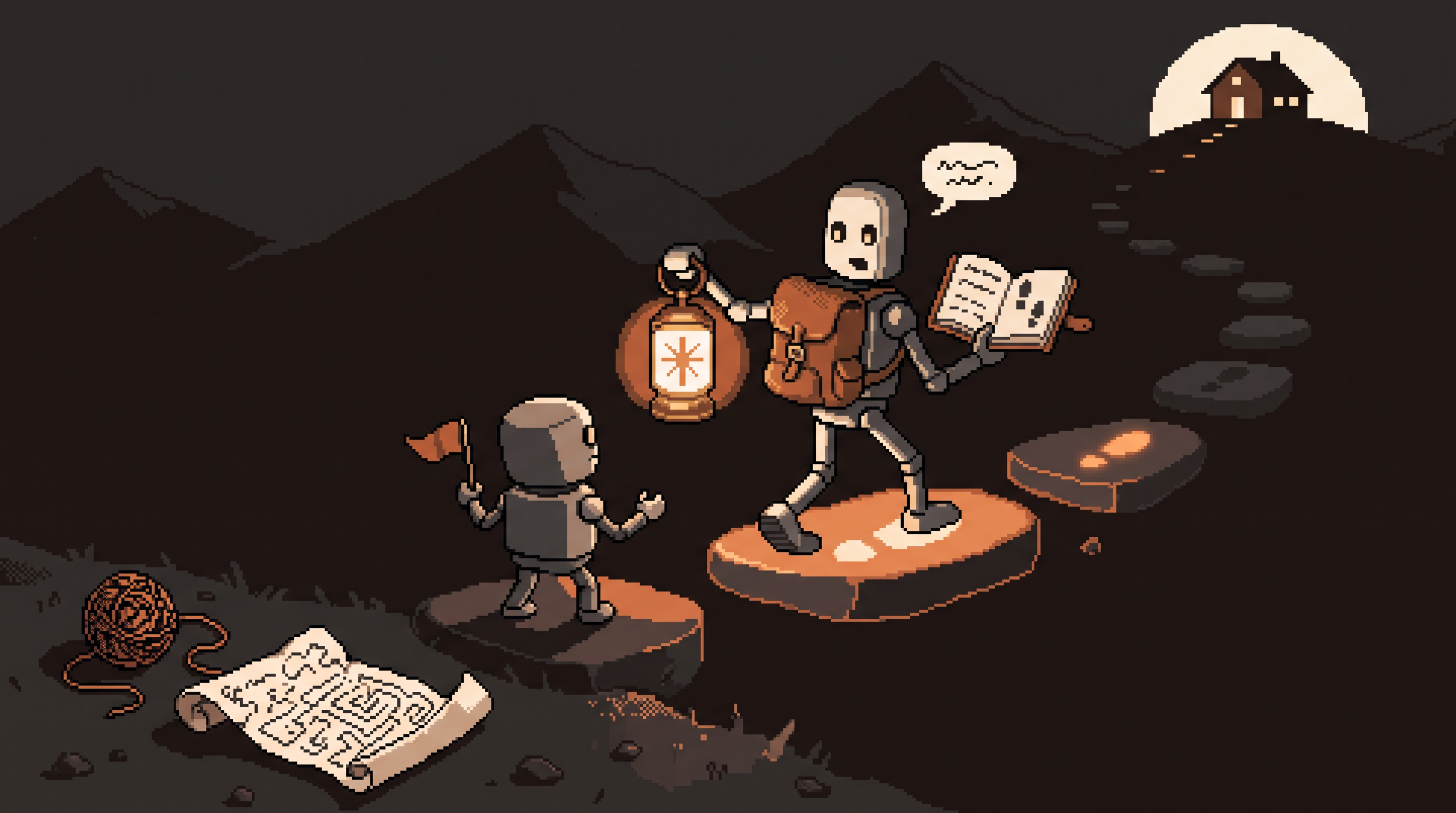
Every big project you've abandoned shares one shape: you knew the destination, you sort of knew the steps, and somewhere in the middle the distance between the two ate you. The plan existed in fragments — half-remembered from a video, half-invented — and every session restarted the archaeology of "what was I supposed to do next?"
The standard AI answer to this is underwhelming: ask a chatbot, get a wall of text describing all the steps at once, scroll, despair. What actually works is a different mode entirely — a skill: a pre-built instruction file that turns Claude from an answer-dispenser into a guide, one that takes your goal, breaks it into a plan, and walks you through it one step at a time.
This guide covers what a guided skill is, how to install one, what the walkthrough experience feels like, and the small set of habits that make it feel like working with a hired expert rather than a very confident search engine. (Related pieces on this blog cover building your own brand-voice skills and the Skills-vs-Projects distinction — this one is about using skills as guided workflows for complex projects.)
A Claude skill is a pre-written instruction file that gives the AI a complete workflow for a task type — a hired expert's playbook loaded in one step. Install it via Settings → Customize → Skills (+ icon → Create or Upload), then activate with a slash command like /how-to: the AI stops guessing and starts guiding, breaking your project into a structured plan you execute one step at a time. Use ELI5 to deflate jargon mid-plan, follow the steps in order, and run heavier models for complex instruction-following.
From Guessing to Guiding
The cleanest way to see what changes: two different conversations about the same project.
Without a skill, every prompt is an audition. The AI guesses what you want — detailed or brief? tutorial or done-for-you? — and you correct, re-explain, and hedge. The rules of your project live in your head and leak out one prompt at a time.
With a skill, the manual comes first. The instruction file carries the logic — the expert's process, the order of operations, the definition of "done" — so every message afterward executes against a known framework instead of a guess.
| Bare chat | Skill-guided session | |
|---|---|---|
| AI's role | guess-then-correct | guide with a loaded playbook |
| Your prompts | re-explain rules each time | state the goal, answer questions |
| Output shape | wall of text, all steps at once | one step, confirmed, then next |
| Errors | drift mid-conversation | caught by the framework |
| You feel like | a prompt engineer | a client with an expert on retainer |
Think of it as the difference between asking a stranger for directions and hiring a guide who's walked the trail a hundred times. Same trail. Completely different experience.
Installing a Skill: Four Steps
Skills are files — packaged instruction sets built around an expert workflow (a tutor's teaching method, a project manager's launch sequence, a technical writer's documentation process). To load one:
- Get the file. Skills circulate as downloadable/shareable files; grab one that matches your task type.
- Open Customize. In the Claude app/web settings, find the Customize section and the Skills area.
- Click the plus (+) icon → Create Skill (write your own) or Upload a Skill (load a file).
- Upload. The instructions are saved to your account — installed once, ready in the background of every future session.
That's the whole ceremony. No configuration, no prompt engineering — the file is the configuration.
Activating the Walkthrough
An installed skill waits quietly. The trigger is a slash command — the built-in /how-to being the canonical example:
/how-to launch a paid newsletter for my consulting business
Two things happen immediately. First, the persona shift: the AI stops acting like a general assistant and starts acting as a structured guide. Second, the format shift: instead of one wall of text, it returns a plan — your project decomposed into ordered steps — and then walks you through them one at a time, focused on the current step only.
The experience matters as much as the mechanism. A twelve-step project presented all at once is discouraging; the same twelve steps presented as "here's step one, reply when done" is a series of small, easy wins. You stop managing the project's complexity and start executing its next action. That psychological difference is most of why guided skills rescue abandoned projects.
Three Habits That Make Skills Shine
Match the model to the skill. A skill is a long instruction set, and adherence to long instructions is where model tiers separate. For complex guided workflows, run the stronger model — the skill's value is its carefully ordered logic, and a weaker model drops steps of exactly that logic. (Same routing principle as always: heavier model for the reasoning-heavy work.)
Deflate jargon on demand with ELI5. Mid-walkthrough, when a step goes too technical — a setup instruction written for developers, a term assumed known — type ELI5 (Explain Like I'm 5). The AI immediately re-explains that piece in beginner terms, then returns to the plan at the same point. It's a vocabulary valve: the workflow's rigor stays, the comprehension barrier drops. Use it freely; the skill doesn't mind.
Follow the plan's order. The skill already solved the sequencing problem — steps exist in their order because earlier steps feed later ones. The temptation to skip ahead ("I'll do the pricing page later, show me step nine") breaks dependencies and produces rework. If a step genuinely doesn't apply to you, say so explicitly and let the skill adjust the plan — that's different from silently skipping.
the guided-session loop:
1. /command + goal  ->  the plan appears
2. execute the current step (ask ELI5 whenever needed)
3. reply with the result / your answers
4. skill confirms, advances to the next step
5. repeat until "done" — the skill defines done
Where Guided Skills Pay Off Most
- First-time processes — launching a product, setting up an LLC-adjacent workflow, running your first webinar: anywhere the steps are known to someone but not to you
- Recurring multi-step operations — the monthly client onboarding, the quarterly review: install once, walk every time
- Learning curves with structure — a tutoring-style skill sequences concepts instead of dumping them; the ELI5 valve keeps jargon from blocking progress
- Hand-off points — a skill's plan is shareable process documentation: the next person follows the same walkthrough you did
The pattern underneath all four: the logic is solved, the execution is yours. That division is the entire productivity gain — you spend your energy on doing the steps, not reconstructing what the steps were.
Frequently Asked Questions
What exactly is a Claude skill?
A pre-written instruction file that defines a persona and workflow for the AI — how it should behave, what steps it follows, what "done" means. It moves the expert logic into the AI so you don't re-supply it every conversation; a slash command activates it on demand.
Do I need expertise to use skills?
No — that's the point of the design. The skill carries the expert knowledge; you carry the goal and the judgment. Your role is knowing what you want to achieve and executing each step; the skill handles the how-to and the sequencing.
What does the ELI5 command do?
Short for "Explain Like I'm 5" — it tells the AI to immediately strip the jargon and re-explain the current piece in beginner terms, then resume the structured plan where it left off. Rigor stays, comprehension barrier drops.
Skills, Projects, custom instructions — what's the difference?
Skills are how (a portable workflow, triggered by command), Projects are what (a knowledge room with documents), and global instructions are the few always-on preferences. This blog covers each separately; for guided walkthroughs specifically, skills are the layer you want.
Wrap-Up
The abandoned projects in your notes app aren't waiting on motivation — they're waiting on structure. A guided skill installs that structure in one upload: the expert's sequencing loaded, the plan decomposed on command, one step visible at a time, ELI5 standing by for the jargon, and a definition of "done" that isn't a vibe. Stop re-deriving the process every session. Hire the playbook, walk the steps, finish the thing.
Related posts

The Number Was Right, the Conclusion Was Wrong: Spotting Mix Shifts
An aggregate can fall while every segment behaves identically — composition changes impersonate behavior changes. Segment before you summarize, and bake the check into every automated report.

Stuck Between Two Options? Break Decision Paralysis Before the Deadline
A tied pro/con list means the list is out of answers. Break the binary, audit which beliefs you can verify before Friday, pre-live both futures — then hunt the one missing fact.

Map It First: Design Workflows Before You Automate Them
Automating an unmapped process just repeats the mess faster. Document reality, name an owner for every output, bound automation by risk — then hand the runbook to people or AI agents.