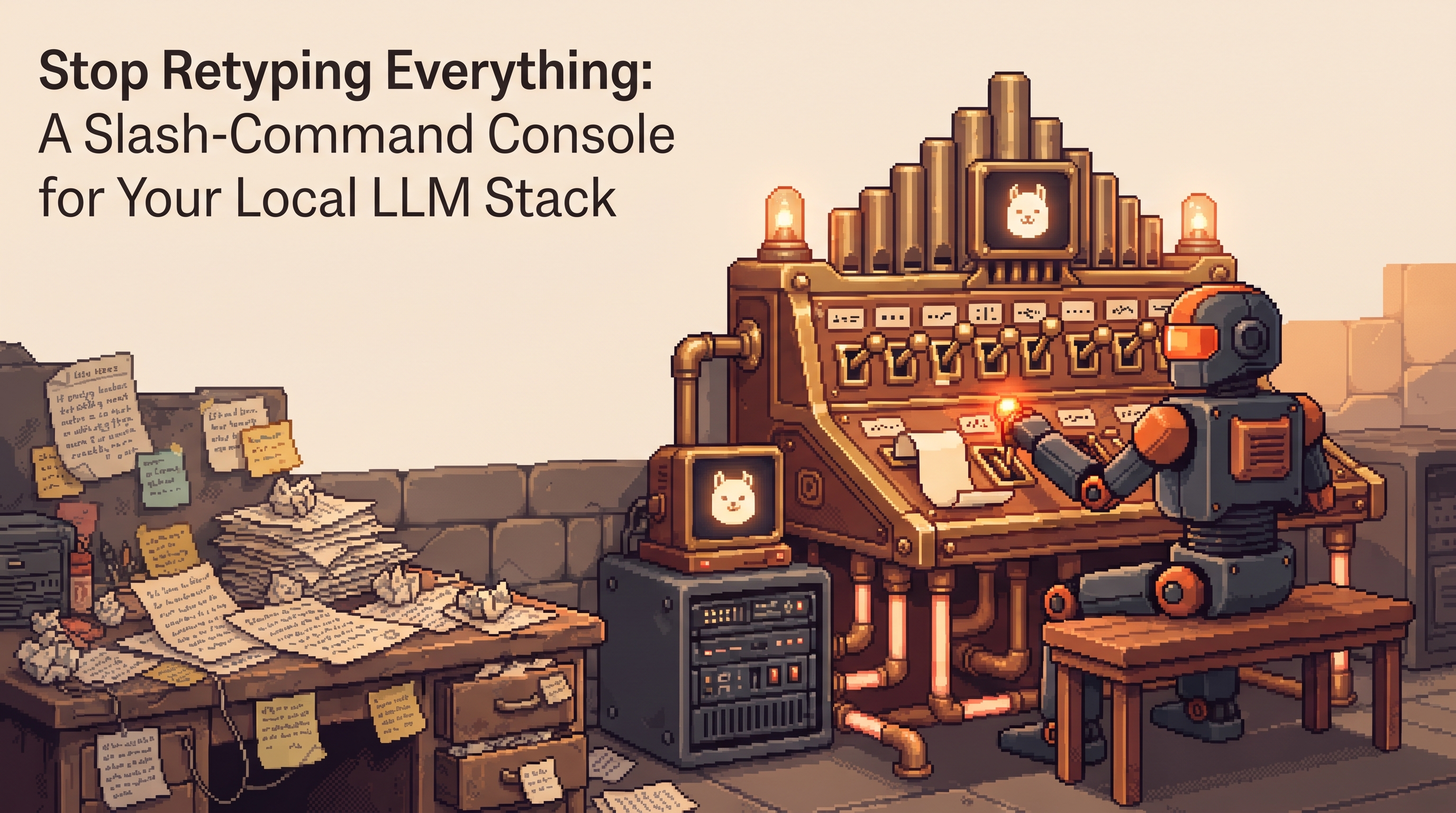
You've built the perfect local LLM session ritual. It goes: reset the context with a rolling summary, re-inject the profile, set num_ctx, pull in the right prompt file, then finally ask your question. Fifteen minutes of setup knowledge that makes the output excellent — and you retype or re-paste some version of it every single session, because it lives in your head and your clipboard history.
Meanwhile, the cloud CLI tools solved this exact problem years ago with slash commands: /compact to summarize the thread, /model to swap engines, /deploy to fire a saved multi-step playbook. One terse line controls the tool while your normal words control the task. It's a good pattern — and unlike the models themselves, the pattern is trivially copyable. Nothing about it requires a vendor. A local stack is already a pile of files, scripts, and a model server; a command console over that pile is an afternoon of bash.
Here's the build: a tiny lm command, three species of command behind it, and the habit that turns your best session rituals into one-line operations — for you and for your automations.
A slash-command console for a local LLM stack is a small shell CLI (e.g. lm) that dispatches typed commands to three species: prompt-commands (markdown files injected into the session), tool-commands (scripts that change state — context resets, model switches), and connector-commands (MCP-style tool calls). Local equivalents of the famous ones: /compact becomes a rolling-summary script, /model flips a MODEL_TAG variable behind one local API door, and /skill loads a saved playbook file. Because the console is just a script surface, n8n workflows can call the same commands — one control layer for humans and automations.
Three Species of Command
Every slash command you've envied in a cloud CLI decomposes into exactly three species. Sorting them this way is what makes the local build clean:
| Species | What it does | Lives as | Example |
|---|---|---|---|
| Prompt-command | Injects a saved prompt/instruction set | .md file in commands/ | /skill review-pr loads the review playbook |
| Tool-command | Changes state outside the conversation | Bash/Python script | /compact summarizes + resets context |
| Connector-command | Calls an external tool or API | MCP server / HTTP call | /issue list queries the tracker |
The distinction matters because the species fail differently. A prompt-command that's wrong just produces a bad draft (edit the file, retry — free). A tool-command that's wrong changes something (deleted context, switched model mid-task) — those get a confirmation step. Design the console with that asymmetry in mind: prompt-commands are safe to fire freely; tool-commands ask before they act.
The Translator: Cloud Command → Local Equivalent
Before building, notice how directly the famous commands map:
| Cloud CLI | Job | Your local version |
|---|---|---|
/compact | Summarize thread, free context | Script: model summarizes session → save → start fresh session with summary |
/clear | Hard reset | rm session.md (or new session file) |
/model | Switch engine | Flip MODEL_TAG in your env — one door, new engine |
/context | Show window usage | Token-count script over the session file |
/skill deploy | Saved multi-step playbook | commands/deploy.md prompt file |
/help | List commands | ls commands/ — the folder IS the menu |
The cloud tools bundled decades of operator ergonomics into a CLI. The ideas are portable; the vendor isn't required.
Build the Launcher
One small dispatcher is the whole interface. Bash keeps it inspectable:
#!/usr/bin/env bash
# lm — slash-command console for the local stack
CMD="$1"; shift || true
CMDIR="${LM_COMMANDS:-$HOME/.lm/commands}"
SESS="${LM_SESSION:-$HOME/.lm/session.md}"
MODEL_TAG="${MODEL_TAG:-llama3.2}"
API="http://localhost:11434/v1"

case "$CMD" in
  /help|help)  ls "$CMDIR" | sed 's/\.md$//;s/^/  \//' ;;
  /clear)      : > "$SESS"; echo "session reset" ;;
  /context)    wc -w "$SESS" | awk '{printf "~%d tokens on the board\n", $1*1.3}' ;;
  /model)      export MODEL_TAG="$1"; echo "engine: $MODEL_TAG" ;;
  /compact)    exec bash ~/.lm/scripts/compact.sh ;;
  /*)          F="$CMDIR/${CMD#/}.md"
               [ -f "$F" ] && cat "$F" >> "$SESS" && echo "loaded ${CMD#/}" \
                            || echo "no such command — /help" ;;
  *)           echo "$*" >> "$SESS"   # plain text = conversation
esac
Thirty lines, and you already have /help, /clear, /context, /model, and any prompt-command you drop into ~/.lm/commands/. The session is a file — which is the quiet superpower: you can grep it, back it up, diff it, and hand it to n8n.
The Two Commands Worth Doing Properly
/compact — the rolling summary, scripted
The single highest-value tool-command. At milestones, the model compresses the session and the console starts fresh with the summary on the board:
# ~/.lm/scripts/compact.sh
SUMMARY=$(ollama run "$MODEL_TAG" """
Summarize this session as a handoff: decisions made, formats agreed,
open questions, next step. Max 120 words.
Session: $(cat "$SESS")""")
: > "$SESS"
echo "## Handoff from previous session" >> "$SESS"
echo "$SUMMARY" >> "$SESS"
echo "compacted — $(wc -w < "$SESS") words on the board"
Run it at milestones, not when the window is already choking — a summary of a cluttered board inherits the clutter. This is the same rolling-summary discipline from context management, now one keystroke instead of a ritual.
Skills are just files — and the folder is the menu
Your multi-step playbooks (the deploy checklist, the PR review rubric, the client-report format) become prompt-commands the moment they're saved as markdown:
# ~/.lm/commands/review-pr.md
Review this diff as a payments-service maintainer.
Order findings by severity. Check: error handling on network calls,
currency rounding, secrets in logs, missing tests for changed branches.
Describe fixes; do not rewrite code.
And because /help is just ls, the menu grows itself. The discipline that makes skills valuable is treating them as software: when a command's output disappoints, you edit the file — the command gets sharper forever. A skill nobody refines is a macro nobody debugged.
One Console for Humans and Machines
Here's the payoff unique to owning the layer: n8n calls the same commands you do. The console becomes the single control surface for the whole stack — your fingers and your automations speak identical syntax:
workflow: nightly-session-reset
schedule: "0 2 * * *"
nodes:
  - name: compact
    type: execute-command
    command: "lm /compact"
  - name: queue-morning-brief
    type: execute-command
    command: "lm /skill morning-brief"
  - name: run-brief
    type: http-request
    url: "http://localhost:11434/api/generate"
    body: { model: "${MODEL_TAG}", stream: false, prompt: "{{session}}" }
  - name: deliver
    type: telegram
    message: "{{brief}}"
Every automation you build this way inherits every command improvement automatically — refine /skill morning-brief once, and both your manual runs and the 2 a.m. cron get the upgrade. No vendor console required, and the whole interface is grep-able text.
Pitfalls, Ported Over
The cloud operators learned these the expensive way; you can skip to the conclusions:
- One command per turn. Don't stack
/compactand/skillin a single breath — each command mutates session state, and stacking makes the result order-dependent and hard to debug. - Compact at milestones, not at the wall. Summarizing a healthy session preserves the story; summarizing a drowning one preserves the chaos.
- Skills are software. Version them, edit them, delete the ones you don't use. A commands folder with 40 stale files is a menu you can't trust; ten sharp ones is an operator's console.
Make It Practical Tonight
- Write the launcher (or paste the one above), create
~/.lm/commands/, drop in your single most-retyped instruction as the first.md. - Add
/compactthis week — it's the command that pays for the whole console. - Move one recurring n8n prompt onto a
/skillfile so a human and a cron share it. - Retire one clipboard-history ritual for good. That's the feeling of operating instead of re-typing.
The chat apps gave the world a conversation. The CLI tools gave operators a console. Your local stack deserves the second one — and unlike the models, it's yours to keep.
Frequently Asked Questions
Isn't this just aliases and scripts I could write anyway? It is — deliberately. The value isn't a novel technology; it's the convention: one dispatcher, one commands folder, one session file, three command species. Aliases accumulate as an unstructured pile; the console pattern keeps prompt state, tool state, and connectors separated, which is what makes behaviors like "/help lists everything" and "n8n calls the same command" fall out for free.
How is this different from just using a chat UI with saved prompts? A chat UI keeps the prompts in its own database and the session in its own memory. The console keeps both as plain files — so sessions are diffable, commands are versionable, the whole surface works over SSH, scripts compose it, and nothing is locked behind an interface that will be redesigned next quarter.
Can I do the confirmation-safety thing for tool-commands?
Yes, cheaply: wrap dangerous dispatches in a read-prompt when the terminal is interactive, and require an explicit --yes flag otherwise. The asymmetry rule from the design section becomes mechanical: prompt-commands fire freely; tool-commands that mutate sessions or switch engines confirm first — including when n8n calls them.
What about multi-step skills that need real logic, not just a prompt? Let the species compose: a skill file can instruct the model to invoke connector-commands at each step, or the dispatcher can run a small script that chains several commands. Prompt logic for judgment-heavy flows, script logic for deterministic ones — the same division you already use everywhere else in the stack.
Related posts
Escape the Average: Creative Prompt Techniques for Local LLMs
Local LLMs give generic answers by design. Fix it with Ollama sampling dials, ban lists, and constraint stacks baked into reusable Modelfiles.
Hire the Playbook: Claude Skills as Guided, Step-by-Step Workflows
Abandoned projects aren't waiting on motivation — they're waiting on structure. A skill file turns Claude from answer-dispenser into guide: plan decomposed, one step visible at a time, ELI5 on demand.

Map It First: Design Workflows Before You Automate Them
Automating an unmapped process just repeats the mess faster. Document reality, name an owner for every output, bound automation by risk — then hand the runbook to people or AI agents.