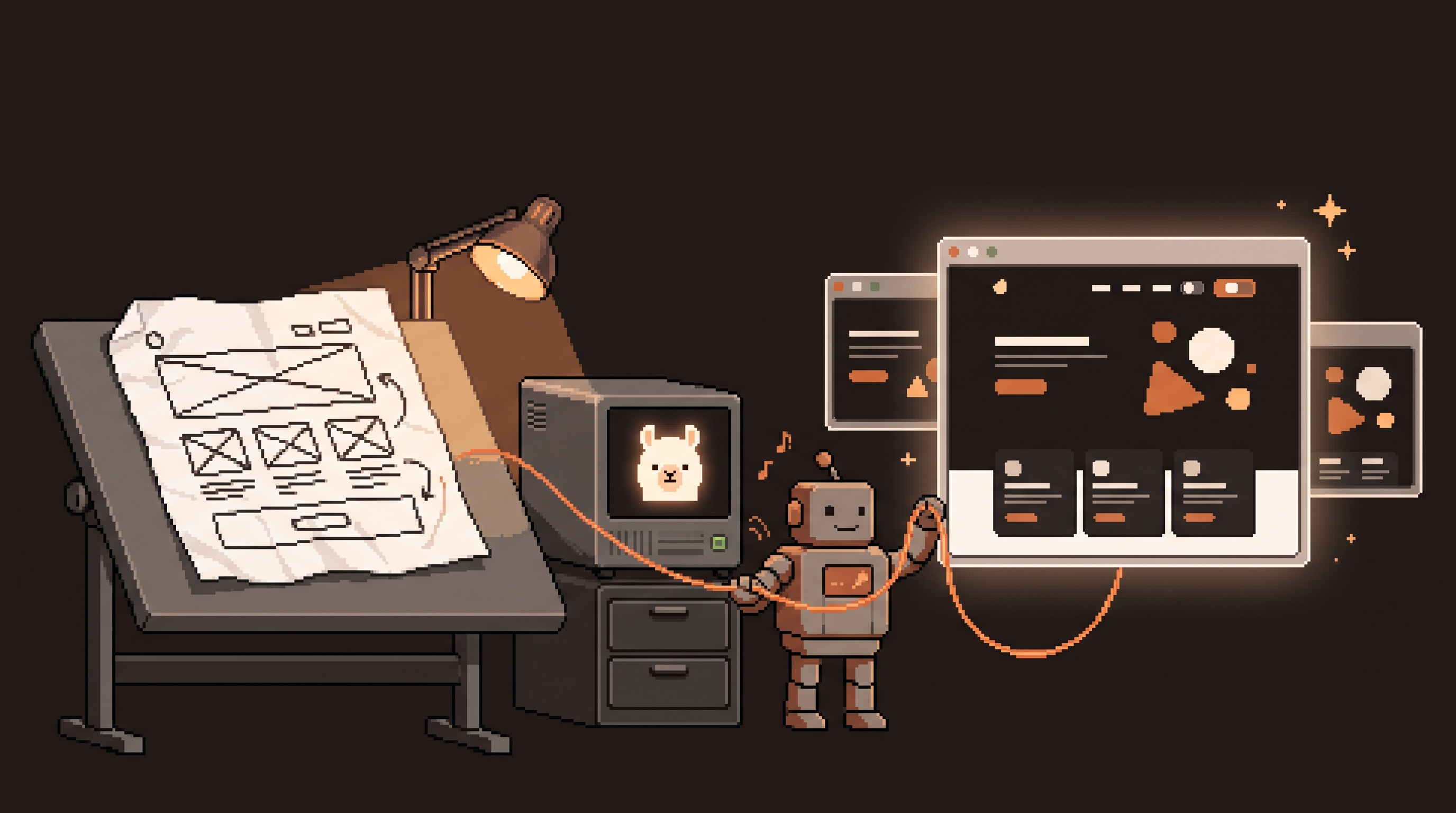
The meeting ends with "can we see what it might look like?" — and the gap between that sentence and a clickable thing is where most ideas go to die. The old path: write a brief, wait for a designer, get a static mockup, argue about it, wait again. The cloud answer arrived as design agents that turn prompts into interactive prototypes — genuinely good, and every client screen you paste into one takes a short trip through somebody else's servers.
Here's the local-first version of the same loop, and it's less exotic than it sounds: a local model that writes HTML, a browser as the canvas, files as the iteration history, and a handoff that is literally the code itself. No mockup-to-code translation step, because the prototype never stopped being code. For agency work — where the prototype shows a client's unpublished pricing page or internal dashboard — the privacy argument is the same one driving the rest of the stack: early designs are the most sensitive artifacts a business produces, precisely because they show what the business is thinking about becoming.
A local prompt-to-prototype loop works by having a local LLM generate a self-contained HTML component from a structured prompt, rendering it in the browser, and iterating with targeted regeneration: structural changes via chat-style re-prompts, precise tweaks by quoting a specific element (its classes or a marked block), and styling governed by a small token block the model must respect. Variations are saved as sibling files so nothing is destroyed by experimentation. The finished prototype is already production-grade HTML, so the "handoff" is the file itself — no reverse-engineering from screenshots.
Why HTML Prototypes Beat Pictures
A static mockup answers "what does it look like?" A working HTML prototype answers "what does it do?" — buttons hover, tabs switch, the pricing toggle actually recalculates. Stakeholders judge honestly because they're clicking, not imagining.
| Static mockup (image) | HTML prototype | |
|---|---|---|
| Feedback quality | "make it pop" | "the toggle should default to annual" |
| Handoff to build | Reverse-engineer from pixels | The file is the implementation |
| Iteration cost | Redraw | Regenerate one component |
| Client reaction | Nods politely | Actually clicks around |
The last row is the one that matters. A clickable lie-detector in the first meeting is worth three rounds of Figma comments later.
Step 1: Context Before Prompt
Same law as everywhere in this stack: the first output is only as good as the context. Before the first prompt, give the model what a design agent would ask for:
- The design system — point at your
DESIGN.mdor tokens block, so the prototype is born on-brand instead of retro-fitted. - A screenshot or two — your existing product or a reference you like; multimodal local models can read images, and "match this feel" beats three paragraphs of adjectives.
- The real content — actual feature names, actual pricing numbers. Lorem ipsum prototypes get lorem ipsum feedback.
The First Prompt: Four Pillars
Weak: "Make a landing page for our API." Strong prompts answer four questions in one breath:
Build a single-file HTML page for our Payments API, aimed at
backend developers.

Goal: landing page that gets a developer to try the sandbox.
Layout: hero with one-line tagline + copyable curl snippet;
3 feature cards; interactive pricing toggle (monthly/annual);
footer. Dark theme per DESIGN.md tokens.
Content: [real features], [real prices], [real tagline].
Audience: skeptical backend devs — code first, marketing last.
Goal, layout, content, audience. Miss one and the model guesses — and its guesses are the statistical average of every landing page ever written.
Step 2: The Generation Contract
One instruction does more than the rest combined: one self-contained file, tokens respected, no invented dependencies.
Rules:
- ONE self-contained .html file: inline CSS, vanilla JS only, no CDNs.
- Use ONLY the CSS custom properties defined in the tokens block below.
- Every interactive element wired: tabs switch, toggle recalculates.
- No placeholder text; use the content provided.
/* tokens block — the model's entire palette */
:root {
  --bg: #1e1714; --card: #292524; --border: #33302e;
  --text: #faf5ef; --accent: #e8935a; --muted: #a8a29e;
}
That tokens block is the miniaturized version of the design-system discipline: it keeps every generation on-palette, which means iterations move forward instead of sideways. Generate to a file, open it in the browser:
ollama run qwen2.5-coder "$(cat prompt.md)" > pricing-page.html
start pricing-page.html   # or open, on macOS
Step 3: Two Channels of Iteration
The cloud design tools split feedback into chat (broad) and inline comments (precise). The local loop gets the same split almost for free, because your iteration channels are file operations:
Chat-level changes — regenerate sections. Aesthetic or structural shifts: "rework the hero: tagline larger, snippet below in a card, everything per the tokens." These are re-prompts against the whole file or a named section.
Comment-level changes — quote the element. The local equivalent of clicking an element is telling the model exactly which one, by its class or content:
In pricing-page.html, the element with class="price-card__toggle":
- increase its padding from 8px to 16px
- keep everything else byte-identical
Output only that element's replacement block.
The "output only that block" instruction is the inline comment — you paste it over the old block, reload the tab, done. Ten seconds per tweak, no risk of the model helpfully redesigning the footer while you asked for padding.
Knobs and Variations, File-Style
Two more habits worth stealing from the design tools:
- Knobs = token values. Want to feel 12px vs 16px vs 24px spacing? Don't re-prompt — edit the token block in the open browser and reload. When a value wins, tell the model to lock it into the tokens permanently.
- Variations = sibling files. Unsure about the hero?
hero-a.html,hero-b.html,hero-c.html, three tabs open. Deleting nothing, comparing everything — poor man's version control, exactly as honest.
Step 4: The Handoff That Isn't One
Here is where the local loop quietly beats the fancy one. Cloud design tools end with an export — a bundle, a PDF, a screenshot — that a developer then reverse-engineers into real code. The local prototype never left real code. The handoff is:
cp prototypes/pricing-page.html app/routes/pricing/starting-point.html
# the dev refactors real HTML into the framework, not pixels into guesses
The prototype's structure, naming, states, and interactions carry straight into the build. The developer's job changes from "decipher the mockup" to "extract what's already true" — and the tokens block migrates into the app's stylesheet as-is, since it was written as CSS custom properties from day one.
For the drift-conscious: this is also where the design lint from the DESIGN.md workflow picks the prototype up — rogue hexes and banned patterns fail before the handoff, not after the build.
Where This Loop Wins (and Where It Doesn't)
Honest boundaries, same as ever:
- Wins: internal dashboards, landing pages, onboarding flows, admin queues, client-facing proposal prototypes — structure-heavy, interaction-light, content-real.
- Doesn't win: brand identity, logos, illustration, anything where the artifact is art rather than arrangement. Prototype the layout locally; polish the artwork in a real design tool. The model arranges; it does not draw.
And the privacy point bears repeating for agency and regulated work: an early pricing-page prototype is competitive intelligence. The local loop keeps it on the machine it was born on.
Make It Practical This Week
- Take the next "what might it look like?" request and answer it with one self-contained HTML file instead of a paragraph.
- Write your tokens block once; reuse it in every prototype — consistency compounds here too.
- Practice the quoted-element tweak until it's reflex; that's the move that makes iteration fast.
- Ship one prototype all the way to handoff and feel the difference of building from code instead of deciphering a picture.
The idea-to-prototype gap was always a translation problem — brief to designer to mockup to developer to code, losing intent at every border. A local loop that speaks HTML end-to-end deletes the borders. The prototype was never the deliverable; it was always the meeting point. Now the meeting happens in a browser.
Frequently Asked Questions
Do local models really produce good-looking UI? Coder-tuned 7B–14B models write competent, clean HTML/CSS/JS — the constraints do the styling. The tokens block keeps the palette coherent, the one-file contract keeps the structure sane, and the browser gives instant honest feedback. Taste still comes from you, via the prompt pillars and the iteration loop; the model supplies the typing speed.
How do I keep the model from breaking other parts during a tweak? The quoted-element pattern: name the exact element (class or content), state the change, and require byte-identical output for everything else. Small models follow "output only this block" very well. For extra safety, prototypes are files — keep versions, and diff if something feels off.
Can stakeholders review without a design tool subscription? Yes — the prototype is a file. Send it, host it on any static server, or screenshot it for email. For comment-style feedback, ask reviewers to describe the element ("the middle pricing card") and translate their note into a quoted-element tweak. The review loop needs a browser and an opinion, nothing else.
When should I still use a real designer? When the artifact is the art: brand identity, illustration, marketing-grade visual polish — and when stakeholder optics require a designed artifact rather than a working one. The local loop gets you to "true and clickable" at near-zero cost; a designer's hours are then spent on the 10% that genuinely needs them instead of the 90% that didn't.
Related posts
Escape the Average: Creative Prompt Techniques for Local LLMs
Local LLMs give generic answers by design. Fix it with Ollama sampling dials, ban lists, and constraint stacks baked into reusable Modelfiles.
Hire the Playbook: Claude Skills as Guided, Step-by-Step Workflows
Abandoned projects aren't waiting on motivation — they're waiting on structure. A skill file turns Claude from answer-dispenser into guide: plan decomposed, one step visible at a time, ELI5 on demand.

Map It First: Design Workflows Before You Automate Them
Automating an unmapped process just repeats the mess faster. Document reality, name an owner for every output, bound automation by risk — then hand the runbook to people or AI agents.