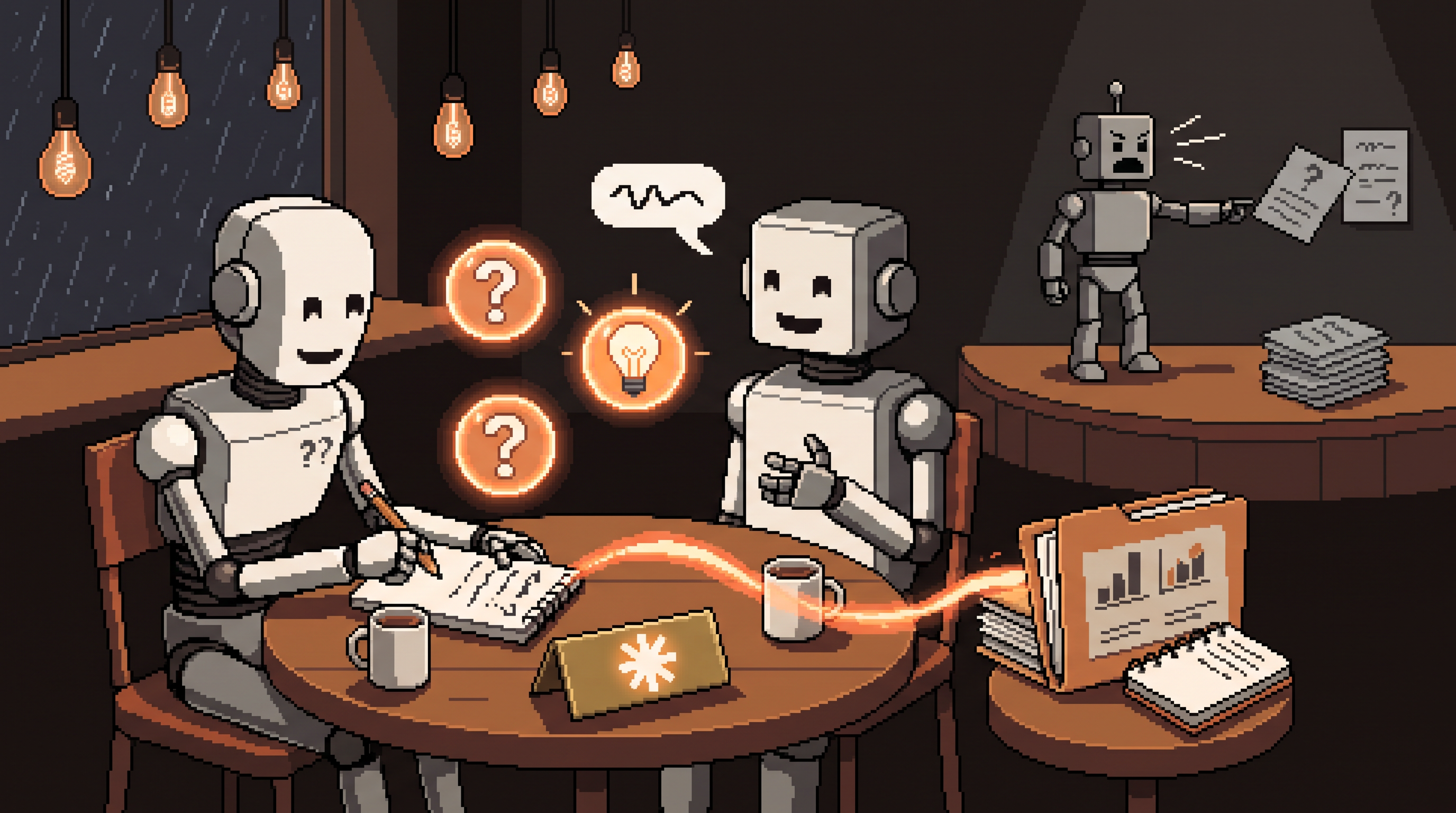
The most common AI complaint isn't "the output was wrong" — it's "the output was generic." You ask for a project plan and get a plan that could belong to anyone. A summary that says nothing only you'd know. An email that sounds like every email.
Here's the uncomfortable diagnosis: generic output is almost never the model failing. It's the briefing failing. You asked a brilliant collaborator to produce something from zero context, and it produced the average of everyone's context — because that's all it had. The prompt-engineering industry wants you to believe the fix is incantations: magic words, persona headers, seventeen-step frameworks. The actual fix is simpler and older than AI: a good briefing.
And there's a technique that gets you a good briefing without you doing the hard part — without you even knowing what's missing. It's the single highest-leverage habit in AI interaction, and this guide is built around it: stop commanding, start getting interviewed. Then we'll layer on the two upgrades — local files as context, and skills/code as the bridge from talking to building.
Work smarter with Claude by replacing one-shot commands with a collaboration loop. Core technique: state your goal, then instruct "ask me questions first" — the AI interviews you for its missing context before generating, so the first draft is specific instead of generic. Next layer: give it a folder of your actual files (invoices, notes, spreadsheets) so answers come from your data, not averages. Finally, bridge to building: the same interview method in code-mode walks you from idea to working tool in plain English. No prompt engineering required — just better briefings.
Why Output Quality Tracks Briefing Quality
Models have one honest job: continue intelligently from what they're given. Given a rich, specific briefing, they produce rich, specific output. Given "make me a project timeline," they produce the world's most average timeline — correct shape, nobody's project.
The mistake is treating the prompt as a command to maximize. People agonize over wording when the leverage is in the information, not the phrasing. Two prompts with identical wording produce wildly different results if one includes audience, constraint, and example and the other doesn't.
| Generic command | Briefed collaboration |
|---|---|
| "Write a project timeline" | the AI asks: deadline? dependencies? who's involved? what's already late? |
| Output: plausible average | output: your timeline, first try |
| You revise five times | you answered three questions |
| Blame the tool | brief the tool |
The path to the right column is the interview.
The Interview Technique (AskUserQuestion)
The mechanism is one line appended to your goal:
Goal: Help me organize my project timeline.
Instruction: Before you produce anything, ask me
the questions you need to do this well.
That's the entire technique. What happens next is the interesting part: the model — which knows far better than you do what information a good project timeline requires — identifies its own gaps and asks. Deadline? Dependencies? Team size? What's already slipping? You answer three to five quick questions, and the first draft arrives specific to your situation.
Three reasons this beats trying to write the perfect one-shot prompt:
- You don't know what's missing. The gap between your prompt and a good brief is invisible to you — that's why it's a gap. The AI, expert in the output format, can see exactly what it lacks.
- It converts unknown unknowns into questions. Instead of discovering missing requirements in the third revision, you discover them in the first sixty seconds.
- It's universal. The same line works on reports, emails, spreadsheets, websites, arguments — anything where the model needs context you haven't articulated. No prompt library required.
Use it anywhere the task is non-trivial and specific. Skip it for quick facts — an interview about "what's the capital of Peru" is theater.
Upgrade One: Local Files as the Knowledge Base
The interview solves context you know. The folder solves context that exists — in your documents. The shift: stop copy-pasting between browser and files, and give the AI a working directory.
Set up a project folder with the relevant material:
project-timeline/
  past-timeline.xlsx      <- last quarter's actuals
  meeting-notes.txt       <- rough decisions and dates
  team-and-roles.md       <- who's who
  constraints.txt         <- fixed dates, dependencies
Now questions stop being answered from general knowledge and start being answered from your files — the AI builds a working knowledge base of the engagement. "Update the timeline based on the slipped dates in the notes" becomes possible because the notes and the timeline live in the same context.
The privacy rule this blog always applies: the folder works equally well (often better) with a local model — sensitive spreadsheets and client invoices can ground the AI without ever leaving your machine. Cloud folders for public material, local folders for the confidential layer.
Upgrade Two: From Talking to Building
The final shift is output type: from text about a thing to the thing itself. With code-capable interfaces (Claude Code and its peers), the same natural-language collaboration produces working software — web pages, prototype tools, automated admin tasks — no coding required on your side.
And here's the satisfying part: the interview technique survives the transition intact. In build mode, the AI acts as a project manager — asking what the page must do, who uses it, what happens on submit — then walking you through implementation step by step. You don't need to know how to specify software; you need to answer questions about what you want it to do. (The full beginner's path — setup, context, iteration rhythm — has its own guide on this blog.)
The pattern across all three levels is one idea wearing different clothes: the AI performs best as an interviewed expert, not a commanded assistant.
Assembling a Session
A complete working session stacks the layers:
1. Goal + "ask me questions first"      -> context gathered
2. Answers to the interview             -> specifics locked
3. Folder attached (or local model)     -> grounded in real data
4. Draft produced                        -> specific, first try
5. Corrections as a numbered list        -> converges in one pass
6. Repeated weekly? -> make it a Skill  -> stop re-briefing
Step 6 is the natural end-state of this blog's skills coverage: when a briefing stabilizes, it stops being a briefing and becomes standing orders. But skills are what you build after the interview has taught you what matters — not a substitute for it.
Frequently Asked Questions
Do I need to know how to code to use AI effectively?
No. Content creation, data organization, and even building simple apps now run on natural language. What separates strong results from weak ones isn't technical skill — it's the quality of context you provide, and the interview technique gathers that for you automatically.
What exactly is the AskUserQuestion technique?
Telling the AI to ask you clarifying questions before it generates its final answer. One added line — "before you start, ask me what you need to know" — converts your unspecified assumptions into answered questions before the first draft, which is where most rework actually originates.
Why give the AI access to my files?
Because grounded answers beat general ones. With your invoices, notes, and spreadsheets in context, the AI answers from your actual data instead of statistical averages — cutting the correction loop dramatically. For sensitive files, a local model gives the same grounding with nothing uploaded.
Isn't the interview slower than just prompting?
It's slower than one prompt and much faster than one project. Sixty seconds of questions replaces the typical cycle of draft → notice what's wrong → re-explain → redraft. On anything non-trivial, the interview is the fastest path to a first draft you can actually use.
Wrap-Up
Generic output isn't a model problem; it's a briefing problem — and the model itself is the best tool for fixing the briefing. State the goal, get interviewed, attach the folder, correct with numbered lists, and promote stable briefings to skills. No incantations, no prompt-engineering degree — just the oldest productivity trick in the world, applied to a new kind of collaborator: a proper briefing before the work begins.
Related posts

Hire the Playbook: Claude Skills as Guided, Step-by-Step Workflows
Abandoned projects aren't waiting on motivation — they're waiting on structure. A skill file turns Claude from answer-dispenser into guide: plan decomposed, one step visible at a time, ELI5 on demand.

Stuck Between Two Options? Break Decision Paralysis Before the Deadline
A tied pro/con list means the list is out of answers. Break the binary, audit which beliefs you can verify before Friday, pre-live both futures — then hunt the one missing fact.

Map It First: Design Workflows Before You Automate Them
Automating an unmapped process just repeats the mess faster. Document reality, name an owner for every output, bound automation by risk — then hand the runbook to people or AI agents.