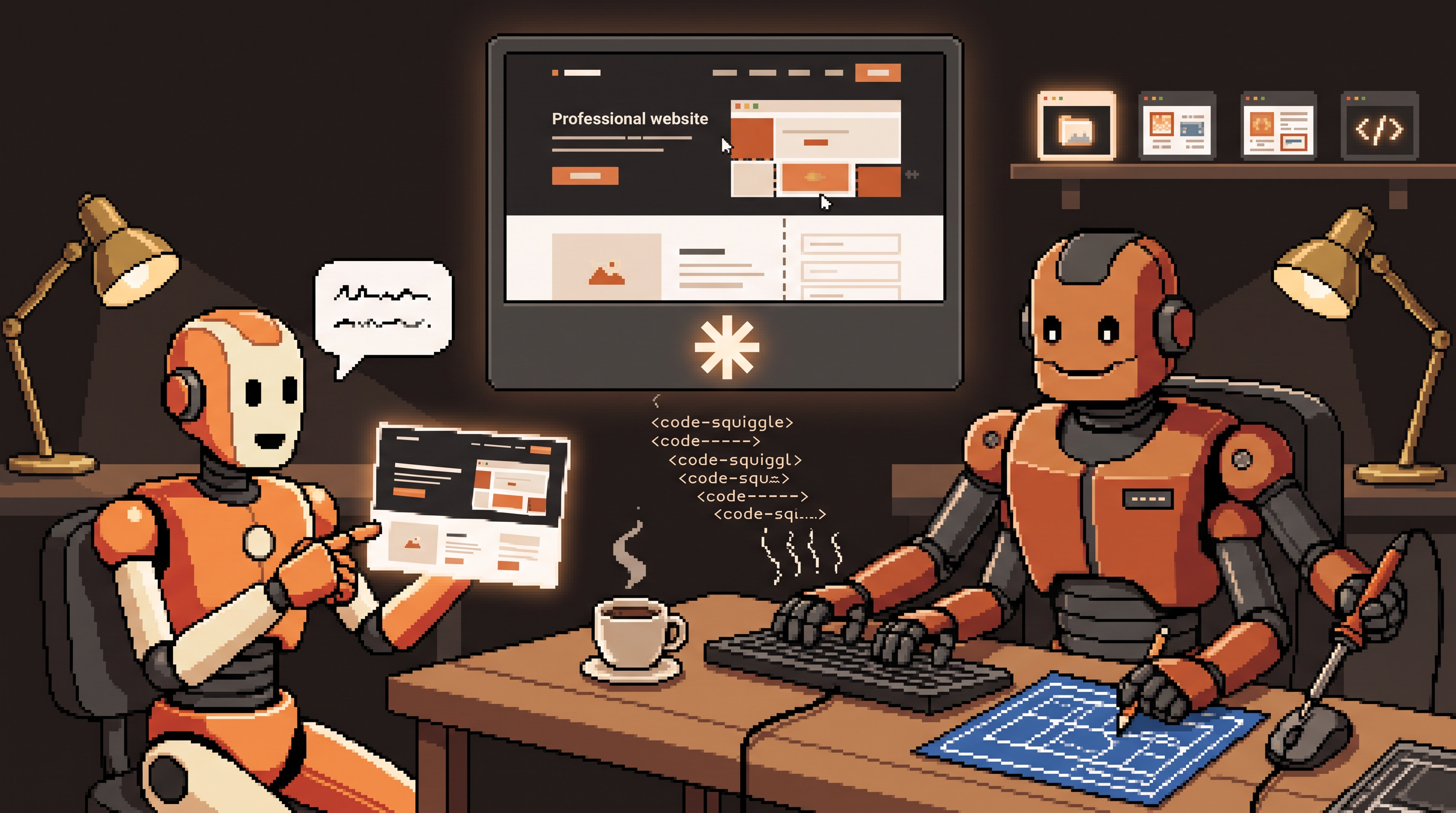
There's a moment every non-developer knows: you have a clear picture of the tool you need — a booking page, a cost tracker, a little dashboard for the team — and between that picture and reality stands a wall of syntax, environments, and "just learn to code first." For thirty years that wall was load-bearing. Now there's a door in it.
The door is vibecoding: building software by describing what you want in plain English to an AI that writes, organizes, and runs the code while you direct. No syntax, no setup manuals — you state the goal, the machine implements, and you iterate on what appears. Done right, a working prototype goes from idea to screen in the time a coffee takes to go cold.
This is the beginner's guide to doing it with Claude Code: what vibecoding actually is (and isn't), the setup that makes it work, the context tricks that separate impressive results from generic ones, and — importantly — where the door stops and you need a professional. (Name-checking the honest caveat up front: this blog's own slop-testing post rails against vibe-checking — accepting output on feel. Vibecoding is the same energy applied deliberately to prototypes, with your eyes open. Different activity, same word family.)
Vibecoding means building software by describing what you want in plain English while an AI tool like Claude Code writes and manages the actual code. Set up a dedicated empty project folder, enable streamlined permissions, and iterate one piece at a time — homepage before about page, with numbered fix lists after each build. Quality comes from context: reference screenshots ("build this, but for my business"), explicit specs (scale, aesthetic, exact fields), and design systems like shadcn/ui. Best for prototypes, internal tools, and landing pages; hand off to a developer before serving thousands of users.
What Vibecoding Is — and What It Isn't
The shift: from writing instructions a computer understands to directing an agent that does the writing. You never touch the database connection code; you say "make me a page where users can book an appointment" and it exists.
Two scenarios are where vibecoding genuinely shines:
| Scenario | What you build | Why vibecoding wins |
|---|---|---|
| Communication prototypes | a clickable version of your idea | a developer/designer sees the vision instantly — no spec-document ping-pong |
| Internal tools | dashboards, scrapers, report generators, trackers | solves your specific problem today; "under the hood" perfection is irrelevant |
What it isn't: a replacement for professional engineering on anything with real stakes — payments at volume, user data at scale, regulated anything. More on that boundary at the end.
Setup: Three Steps Before the First Prompt
The difference between a smooth first session and a frustrating one is mostly preparation:
- Access the tool. Use the official Claude platform to reach the Code interface — this is where plain English meets actual file operations on your machine.
- Create a dedicated, empty folder. Fresh directory for this project only. A folder full of unrelated files (or worse, sensitive ones) confuses the agent and risks it reading things it shouldn't. Empty room, one project.
- Streamline the permissions. Enable the bypass/auto-approve option if available, so the agent can execute commands and edits without asking permission every few seconds. The building rhythm depends on this — constant approval pop-ups kill the flow. (Standard caveat: bypass mode in a dedicated sandbox folder, not your whole drive.)
Going live: for a finished product rather than code stranded on your laptop, two services pair naturally — a host (Netlify-class) so the site has a link, and a backend (Supabase-class) for logins and data storage. Connect these during setup and the agent builds toward deployment, not just files.
Context Is the Skill
Anyone can get a generic result. The gap between "AI-made a website" and "this looks professionally made" is entirely the context you provide:
Visual references beat adjectives. The fastest instruction in vibecoding is a screenshot: take an image of a site you like and say "Build this, but for my business." One image transmits layout, spacing, and mood that would take three paragraphs of description to half-approximate.
Specs over vibes:
Scale:      one page (not multi-page) — landing page only
Aesthetic:  dark background, generous whitespace, rounded corners,
            sans-serif headings, max two accent colors
Features:   hero headline, booking form (name, email, date picker),
            one payment button, footer with contact link
Feel:       calm, premium, no pop-ups
Use a design system. Ask for shadcn/ui (or a similar component library) by name. These pre-built components make menus and forms look standard and polished rather than homemade — the single cheapest upgrade from "clearly AI-generated" to "credibly professional." This blog's own graphics pipeline uses the same trick: named tokens and components, not adjectives.
The Working Rhythm: One Piece, One Loop
Two principles keep projects moving:
Build from the core. One piece at a time — finish the homepage before mentioning the about page. Small, solvable problems keep the agent focused; "build my whole site" produces a blurry average of everything.
Iterate with numbered lists. After each build, actually look at the result. Then instead of "fix it," send a precise punch list:
1. Header logo is stretched — restore aspect ratio
2. Booking form missing the date picker you added to the spec
3. Payment button wraps oddly on narrow screens
4. Footer contact link goes nowhere — remove until we have a target
Specific, numbered, testable — the agent fixes four things in one pass instead of re-guessing "make it better" four times. (This is the anti-slop discipline applied to software: you're the editor even when you're not the writer.)
What to Build First
Proven starter projects, in rising ambition:
- Landing page — headline, booking form or payment button, done. The canonical first build; one sitting.
- Internal dashboard — track costs or inventory in a private tool only your team sees.
- CSV report tool — drop a file in, get a summary report out. Your first taste of real data flowing through.
- Lead scorer — reads applications or resumes and ranks them against your criteria. Your first taste of logic-shaped software.
Each teaches the rhythm — describe, build, review, punch-list — on a project where nobody dies if it's imperfect.
Knowing When to Stop (or Hand Off)
The honest boundary, and it's not a technical one:
- Prototype for a team? Vibecoding is excellent. Ship it.
- Internal tool for twenty people? Still great. Perfect is the enemy of working.
- Public service with thousands of users, real payments, real data? Time to bring in a professional developer — for security hardening, scale behavior, and the things nobody sees until they break. Hand off the working prototype as a spec; that's a better starting point than any document.
The skill is knowing which project you're holding.
Frequently Asked Questions
How is vibecoding different from normal AI chat?
Chat gives you advice and code snippets to copy. Vibecoding tools actually generate, manage, and deploy the files — the software comes into existence on your machine while you direct in plain English. You get a running product, not a discussion of one.
Do I need to know how to code?
No — that's the point. Knowing what a "button" or "landing page" is helps you describe goals; understanding the code underneath isn't required. What you do need is the ability to specify clearly and review carefully, because the agent builds exactly what you describe.
How long does a prototype take?
Simple prototypes routinely come together in 15–30 minutes — the agent handles the heavy lifting of writing and organizing code. Budget more time for iteration and review than for the initial build; the punch-list passes are where quality comes from.
Can vibecoding replace developers?
For prototypes and internal tools, it replaces the need for a developer at that stage — which is real leverage. For production systems at scale, developers become more important, not less: someone must own security, performance, and the code the agent wrote when it becomes load-bearing. Vibecoding moves the handoff point later, not out.
Wrap-Up
Vibecoding lowers the wall between having an idea and having a tool. Set up a clean workspace, streamline permissions, feed the agent screenshots and specs instead of adjectives, build one piece at a time with numbered fix lists, and use a real design system so results look born professional. Build the prototype, the internal dashboard, the lead scorer — and hand off when the stakes get real. The door in the wall is open; what you carry through it is still your judgment.
Related posts

The Number Was Right, the Conclusion Was Wrong: Spotting Mix Shifts
An aggregate can fall while every segment behaves identically — composition changes impersonate behavior changes. Segment before you summarize, and bake the check into every automated report.

Stuck Between Two Options? Break Decision Paralysis Before the Deadline
A tied pro/con list means the list is out of answers. Break the binary, audit which beliefs you can verify before Friday, pre-live both futures — then hunt the one missing fact.

Map It First: Design Workflows Before You Automate Them
Automating an unmapped process just repeats the mess faster. Document reality, name an owner for every output, bound automation by risk — then hand the runbook to people or AI agents.