From Tools to Agents: Understanding Unified AI Automation Workflows
For the last few years we've been chatting with AI. Ask a question, get an answer. But the frontier has moved: the most useful AI systems now act. They open a browser, click through a website, pull data off your desktop, and run jobs at 10 AM while you're asleep. This shift — from conversational chatbots to agentic systems — is what people mean when they talk about "AI agents."
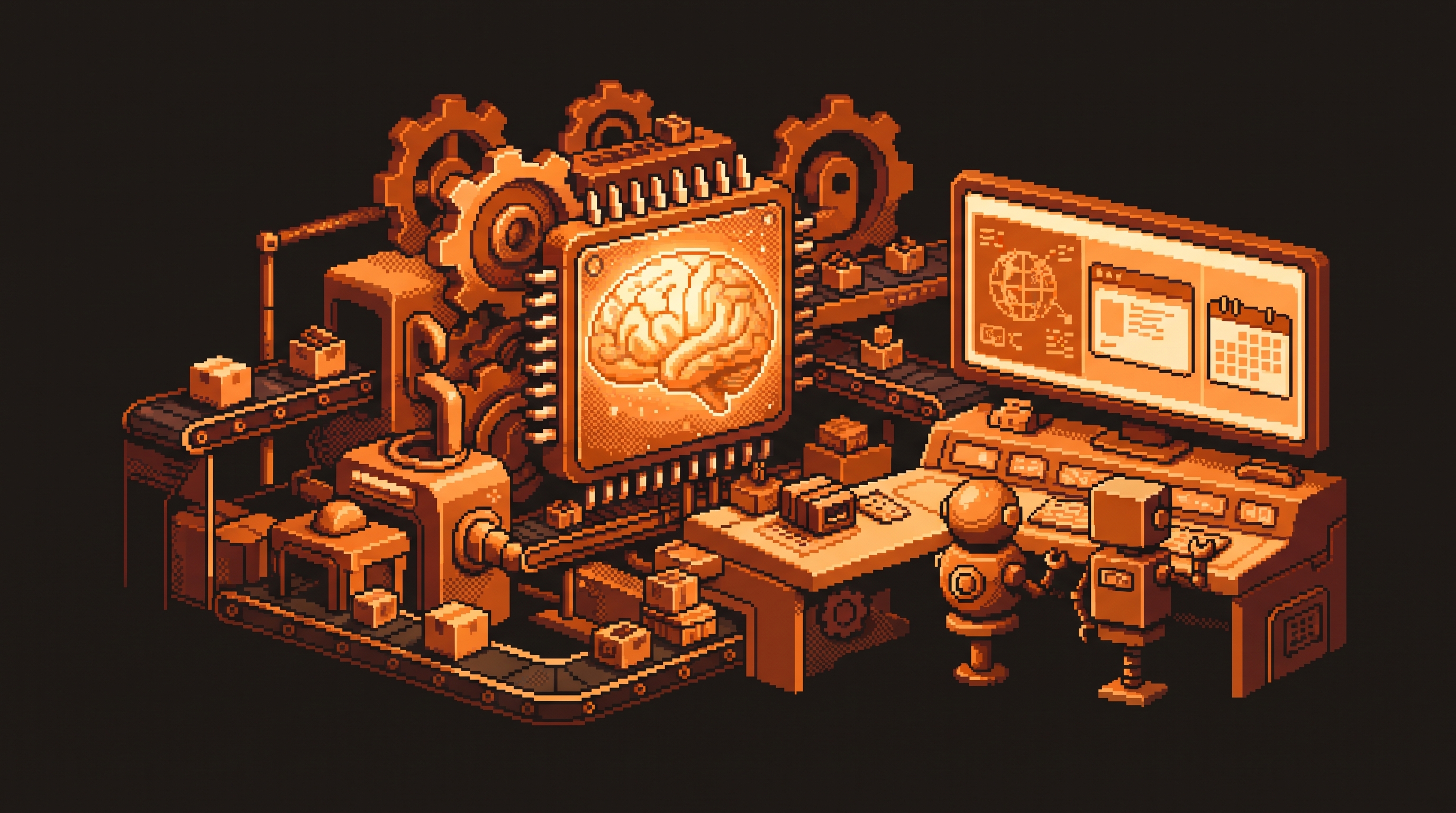
Here's the thing nobody says clearly: the hard part of going agentic isn't the AI's brain. It's the environment. An agent only works if browsing, computer control, and scheduling happen in one place instead of across five fragmented windows. This guide explains the pieces of that unified workflow and where the boundaries really are.
Quick Answer
A unified AI automation workflow puts browsing, computer use, and scheduling in one workspace, so an agent can act without you juggling tabs. The shift is from tools to agents: rather than asking an AI a question, you delegate a job it can execute end-to-end. Use a unified agent for work that needs reasoning or web interaction, and a deterministic tool like n8n for tasks where input A must always produce result B.
Key Takeaways
- Agents act; chatbots answer. The agentic shift is about doing, not talking.
- Integration beats feature count. The environment is what makes agents usable.
- Computer Use lets an agent operate your actual desktop software.
- Unified scheduling ends the context-switching drain.
- Match logic to the task: deterministic → n8n, high judgment → an agent.
The Agentic Shift, in One Sentence
A chatbot answers: "Summarize this email." An agent executes: "Check the vendor portal every morning, find new entries, and email the summary to the team."
The difference is delegation. You stop micromanaging steps and hand off a goal. That only works if the agent can actually touch the parts of the world the goal depends on — the web, your files, your apps, your schedule. Which brings us to the real bottleneck.
The Real Bottleneck: Fragmentation, Not Intelligence
Most people assume the limit on AI automation is the model's smarts. It isn't. The limit is how many windows they have to coordinate to get one job done.
If your browser automation lives in one tool, your file triggers in a second, and your scheduling in a third, then you are the bridge — and every bridge is a place a step drops. A unified workspace collapses those into one place. The agent's browser, file access, and schedule all live together, so the whole job runs inside a single context instead of being handed between three "brains."
Integrated Browsing: Letting the Agent See the Web
A common hurdle is an AI interacting with data on the web. Basic tools lean on plugins or external integrations to "see" a page, which leaves gaps.
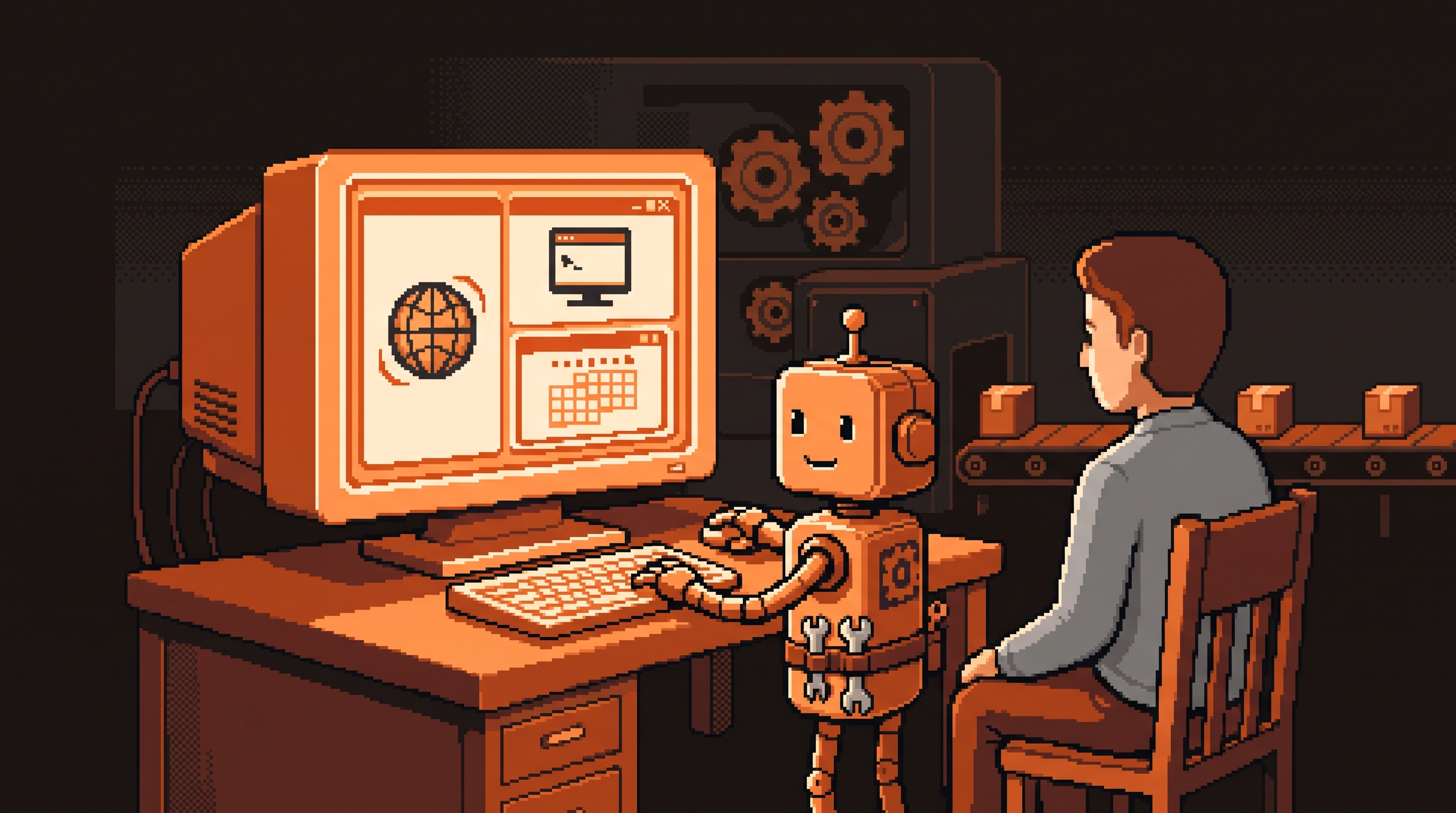
An integrated browser changes that: the AI navigates the internet inside its own workspace. It opens tabs, clicks buttons, and reads data without leaving the main interface. For the AI, the web becomes part of its world rather than an external tool it has to peck at.
This matters most for two kinds of work:
- Researching competitor pricing — visiting multiple pages and compiling data in one pass.
- Handling sites with no API — many niche sites don't offer an official doorway for software. They want something that looks like a human in a browser. An integrated browser is that "something."
Computer Use: When the Agent Operates Your Machine
Browsing is about the web; Computer Use is about your device. It's an AI taking actions inside apps installed on your operating system — opening a spreadsheet, moving files between folders, clicking through a desktop program.
What makes it valuable:
- Reliability — a more consistent path through complex desktop interactions than a plugin.
- Bridging software gaps — an AI can connect two programs that don't talk to each other natively.
Give an agent a high-level goal — "open the project summary and email it to the team" — and it executes the clicks, typing, and mouse movements to finish the task.
Unified Scheduling: Killing the Context Switch
The quiet productivity killer is context switching — moving from a chat window to a calendar, then to a file folder, then to email. Every hop splits your focus.
A unified scheduling dashboard lists every automated task in one place, whether it runs while you're online or offline. Rather than starting processes yourself and keeping windows open, you see them all from a single list.
That centralization is essential for long-running work. If an agent checks a page every morning at 10 AM and generates a report, you want it to "live" in your main workspace — so you don't have to remember to start it or keep extra windows alive.
Git: The Safety Net That Lets Agents Act
Letting an AI edit your files carries a real fear: what if it deletes something important? Git is the answer — and it's not just for programmers.
Think of Git as a permanent Undo button. It keeps a history of every change an agent makes, so you can:
- Stay safe — revert anything if the agent goes wrong.
- Review work — see exactly what changed before you make it permanent.
With that safety net you can give an AI more freedom to act, without the fear that one mistake ruins the whole project.
Deterministic vs. High Intelligence: Pick the Right Logic
Not every task needs a large language model under the hood. Knowing which is which is the difference between a system that works and one that's over-engineered.
| Task | Logic style | Best tool |
|---|---|---|
| "If a file lands here, email its name" | Deterministic | n8n |
| "Move data from A to B at 9 AM" | Deterministic | n8n |
| "Summarize why each candidate is a good fit" | High intelligence | AI agent |
| "Research competitor pricing, no API" | Browser + reasoning | AI agent |
A deterministic workflow is one where input A always leads to result B — no creativity, no judgment. Use n8n or a simple automation platform for those; they're steady and need no reasoning.
A non-deterministic workflow has nuance — the outcome varies with context. Reading five job applications and judging each is a task for an AI with judgment and tone-awareness.
Structuring a Transition
Moving to a more integrated system is easier when you migrate your setup deliberately. Most platforms now offer import tools that carry over three key pieces:
- Rules — your style ("keep emails professional", "use a friendly tone").
- Skills — task-specific instruction sets (how to summarize a meeting).
- Config — the technical settings that govern speed and capabilities.
Frequently Asked Questions
What is an API, and why do some tasks require Computer Use instead?
An API lets two programs communicate directly. Many websites don't expose a public API because they want humans (or something that looks human in a browser) to use their interface. In those cases, Computer Use or an in-app browser lets the AI navigate the site's visual experience to get the job done.
What is a deterministic workflow?
One where the outcome is predictable and fixed. Run it 100 times and the result is identical every time, because there's no choice in the logic. It's ideal for repetitive tasks like moving data or sending notifications — best handled by n8n.
How does a unified dashboard help with productivity?
It puts all your automated processes — regardless of underlying technology — into one visible list, so you don't manage multiple separate apps. That removes the mental effort of keeping the system running.
Why is it important that an AI can see the web inside its own workspace?
When the browser is part of the AI's internal environment, it doesn't have to hand information between pieces of software. That reduces errors and keeps the AI's full context as it moves from step to step.
Final Thoughts
The move toward unified platforms — where browsing, local computer interaction, and automated scheduling live in one space — is driven by a need for simplicity. Reduce the number of systems you jump between and you free your attention for the goals instead of the mechanics. And under the hood, match the tool to the task: a unified agent for reasoning and multi-step web navigation, a deterministic pipeline for the simple, repeating jobs that should never change.
Related posts
Mastering Autonomous Workflows with Claude's /goal Command
Stop typing every instruction. Claude's /goal command hands the AI a finish line and a 5-part framework — Task, Why, Outcome, Constraints, Verification — so it works autonomously until the job is truly done.
The Responsibility Ladder: How to Move from Basic Prompts to Autonomous AI Work