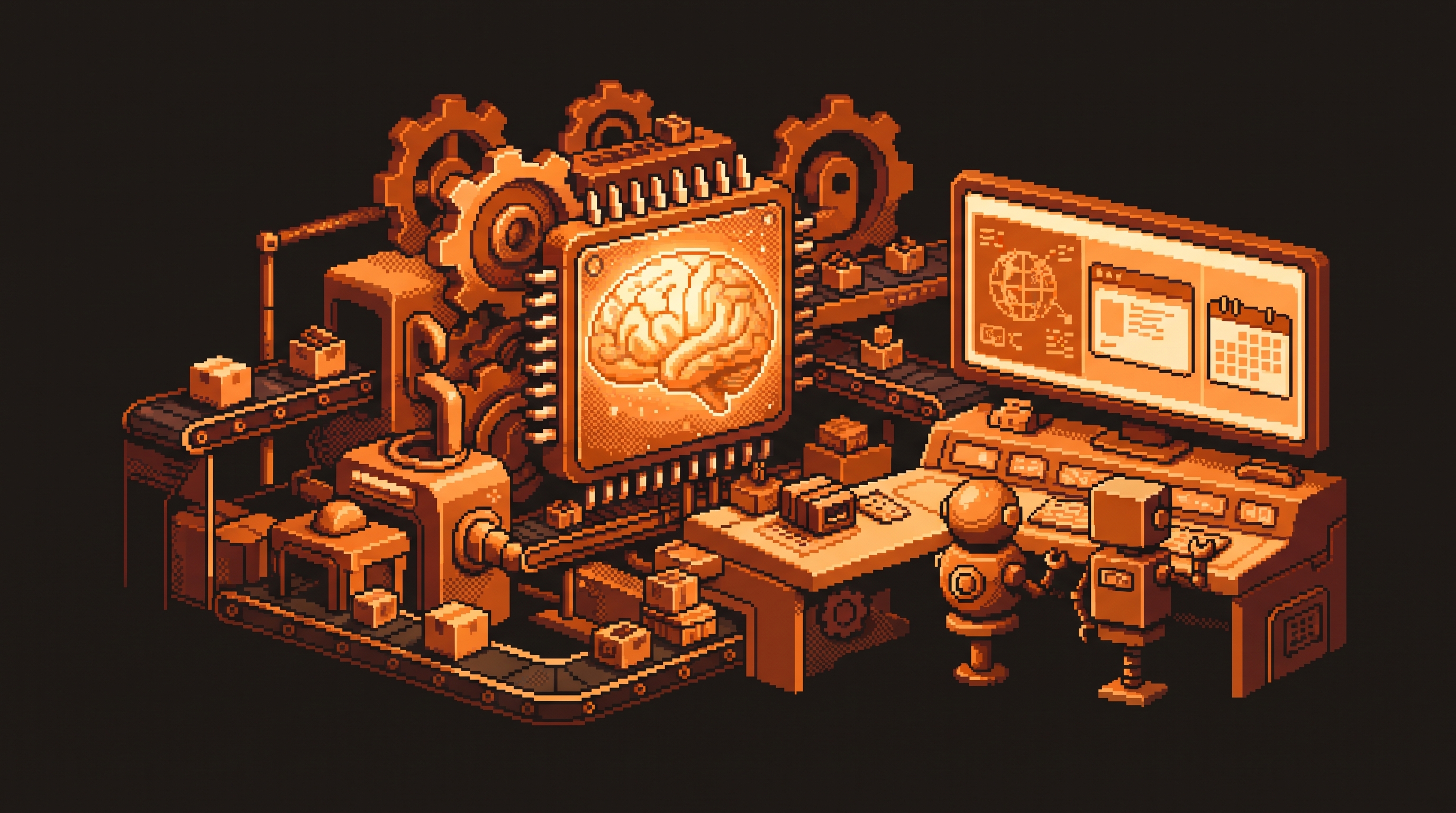
Claude vs. Codex: The Complete Guide to AI Automation, Computer Use, and Unified Workflows
If you've spent any time with AI in 2026, you've seen the same two names everywhere: Claude and ChatGPT's agentic engine, Codex. And odds are you've seen dozens of near-identical "Claude vs. Codex" articles — this one consolidates them. After comparing every major claim across this entire topic, one conclusion holds: this is not a contest about intelligence. It's a contest about infrastructure — how much of your workflow each environment keeps in one place, how reliably it can use a browser and your desktop, and how little supervision it needs once you hand it a job.
Here is the definitive, combined guide — the answers you'd get from forty separate articles, in one place.
Quick Answer
Choose Codex when your priority is hands-off automation: a unified workspace with an in-app browser, reliable Computer Use, centralized scheduling, integrated image generation, and Git as a safety net. Choose Claude when you need high-nuance judgment, creative writing, or reliable behavior on strict, login-protected platforms like LinkedIn Recruiter. Most operators use Codex as the automation "workhorse" and keep Claude for the creative and high-sensitivity jobs. Use n8n or a script for anything deterministic.
Key Takeaways
- It's a supervision and infrastructure decision, not an intelligence contest. Both reason well; they differ in how much oversight a workflow needs.
- Codex bundles the pillars: an in-app browser, Computer Use, centralized scheduling, image generation, and Git in one workspace.
- Claude wins nuance: creative judgment, empathetic writing, and strict-filter platforms where safer guardrails matter.
- Deterministic tasks don't need an AI. If there's an API or a fixed rule, use n8n or a script — cheaper and identical every time.
- Run both for two weeks before committing to a primary tool; a hybrid is normal, not a failure.
The Walled-Garden Problem: Why an AI Needs a Browser
Almost every website you want to automate is a walled garden. The clean way in is an API — a set of rules that lets one piece of software talk to another directly.
# With an API: deterministic, cheap, exact
curl -s "https://api.example.com/prices?sku=SHOE-100" \
  -H "Authorization: Bearer $TOKEN" | jq '.price'
But most smaller sites, internal tools, and vendor portals have no API — the front door is locked. The only way in is to act like a human: log in, click buttons, read the screen. That's exactly what an in-app browser enables. When the AI has its own browsing window inside its workspace, it can cross login walls, navigate menus, and gather data without you copy-pasting between apps.
Unified vs. Fragmented: The Real Difference
Every Claude-vs-Codex comparison keeps arriving at the same core: how consolidated is the environment?
- Codex keeps browsing, file management, and scheduling in one sidebar. Give it "check these three competitor pages and summarize price changes" and it handles the navigation end-to-end.
- Claude reaches the same goals through integrations and extensions, but for someone building a long-running pipeline, that feels fragmented — more context switching, more places for a step to drop.
That consolidation is what cuts "mental load." When your chat, your files, and your live web data share one window, the workflow feels continuous instead of stop-and-go.
Computer Use: The AI Borrows Your Hands
Browsing lets the AI read the web; Computer Use lets it operate your desktop — click buttons, open apps, fill forms in local software that has no website.
The reliability gap is where this decides a purchase:
- Codex performs these physical actions more smoothly, with fewer refusals or hallucinations on multi-step local tasks.
- Claude has the capability but can hit more friction on complex, multi-step desktop work.
task: nightly-sales-entry
schedule: daily 23:00
steps:
  - browser.open: pos-portal.example
  - browser.login: saved-session
  - scrape: today's sales rows
  - app.open: accounting.xlsx
  - app.fill: append rows to the ledger
  - app.save
If your automation touches spreadsheets, CRMs, or specialized desktop software, that reliability spread is the difference between "set and forget" and "watch and nudge."
Unified Scheduling: One Sidebar, Every Job
The single most-cited advantage across the entire topic: centralized scheduling. Instead of one tool for browser routines, another for scripts, and a third for notifications, Codex puts every recurring job in one dashboard.
jobs:
  - name: lead-summary
    schedule: daily 08:00
    state: running
  - name: weekly-social-post
    schedule: friday 16:00
    state: pending
  - name: data-entry
    schedule: every 12h
    state: completed
That eliminates context switching — the mental energy lost jumping between tools to check on your automations. It's the difference between trusting an automation and babysitting it.
Creative Work: Image Generation and Voice
Creative work shows the same integration theme.
- Codex generates and edits images inside the chat — change a logo's colors, adjust the lighting, iterate — without leaving the conversation.
- Claude interprets images superbly and offers a distinctive writing voice, but its media-creation pipeline sits apart from the primary chat.
If you produce social assets or mockups on a schedule, an integrated loop matters. If your output is the writing — nuanced copy, empathetic correspondence — Claude's consistent voice can win.
Git: The Save Point for AI Work
AI is unpredictable; an agent can delete a line or overwrite a file. Git is the answer — a persistent safety net that records every change.
git diff            # review what the agent changed
git checkout -- .   # revert if it's wrong
git commit -m "accepted agent change"   # lock in the good version
For non-programmers, this is just an automatic undo button across days or weeks of automated work. Integrated version control is why you can let an agent work autonomously without fear.
The Deterministic Line: When to Leave AI Out Altogether
The thread that ties every article together: talk to n8n. If the task is deterministic — one right result every time — you don't need an AI at all.
| Task | Logic type | Best tool |
|---|---|---|
| Summarize a transcript | High judgment | Claude / Codex (agent) |
| Draft and iterate an email | High judgment | Claude / Codex (agent) |
| Move a file when it appears | Deterministic | n8n |
| Send a notification on a trigger | Deterministic | n8n |
| Scrape a login-gated site | Browser + judgment | Codex (agent) |
A deterministic job is "send an email when a file hits my desk" — it should happen the same way every time. A script or n8n does that for pennies, with zero risk of an AI "improving" your file while it moves.
Fast Mode: The Speed Trade-off
Some systems offer Fast Mode, prioritizing speed over thoroughness — roughly 1.5x — but consuming tokens (your monthly "units") faster. Use it for urgent, deadline-driven work; keep Standard for the daily volume.
A Final Decision Framework
Putting all forty articles together, here's how to choose:
- Choose Codex when you need high-frequency, hands-off automation: an in-app browser for no-API sites, reliable Computer Use, unified scheduling, integrated image generation, and Git.
- Choose Claude when you need nuance: creative writing, empathetic responses, strict-filter platforms, or high-touch roles where judgment and safety filters matter.
- Choose n8n or a script when the task is deterministic and needs no judgment.
- Run the ones you're unsure about for two weeks side by side, and let your real workflows vote.
Frequently Asked Questions
Does moving between platforms delete my old data?
No. Imports and migration tools copy your settings, projects, and instructions into the new environment; your original accounts stay intact. Keep both for 1–2 weeks while you verify the transition.
What is "Computer Use" in an AI context?
It's the ability of an AI agent to control your computer's interface — moving the mouse, clicking buttons, typing — to complete tasks inside your desktop applications. It matters when a job can't be scripted and needs human-like interaction with local software.
Is Computer Use safe?
Use it with caution on sensitive accounts. Since the AI acts as if it were you, start with simple, low-risk tasks before letting it run complex operations. Version control (Git) is the key safeguard — you can review or revert everything it changes.
Why is Git important if I'm not a programmer?
It's your undo button. Because AI can make mistakes or change files unexpectedly, Git records every change so you can see exactly what happened and revert before anything becomes permanent.
Final Thoughts
The Claude-vs-Codex decision isn't about which company makes the "smarter" model. It's about which environment fits how you work: a unified workhorse for automation, a nuanced partner for judgment calls, and a deterministic tool like n8n for the boring, repeatable parts. Pick by the infrastructure and the job — not by the logo — and you'll spend less time herding software and more on the work that needs a human.
Related posts
Mastering Autonomous Workflows with Claude's /goal Command
Stop typing every instruction. Claude's /goal command hands the AI a finish line and a 5-part framework — Task, Why, Outcome, Constraints, Verification — so it works autonomously until the job is truly done.
The Responsibility Ladder: How to Move from Basic Prompts to Autonomous AI Work