
Suspended: What to Do When Google Disables Your Business Profile
Monday morning, a Chiang Mai-style noodle shop in Bangkok opens like any other — except the phone is quiet. The bookings that normally arrive through Google Maps have stopped completely. The owner searches for her own restaurant: gone. Not ranked low. Gone. The dashboard says one word: "Suspended."
For a business that gets customers through Maps, a profile suspension is the closest thing to having your physical sign confiscated. And like most sudden punishments, it almost always follows a rule break the owner didn't know was a rule break — sometimes from months ago, sometimes by someone else who touched the profile.
This post is the calm version of events: why suspensions happen, what to do in the first hour, how to write a reinstatement request that actually gets read, what timeline to expect, and how to make sure it never happens again.
A Google Business Profile suspension means Google has disabled your listing for a suspected policy violation. Recover it by first identifying the violation — read the policy email, check the common causes (keyword-stuffed name, fake or virtual address, duplicate profiles, review incentives) — then fix the underlying issue BEFORE filing a reinstatement request through the official appeal form. The request should be short and factual: what was wrong, what you changed. Reviews take days to several weeks. Prevention is ownership hygiene: one profile, real name, real address, no review incentives. :::
Why Profiles Get Suspended
Google polises profiles mostly by automated systems, which means both false positives and delayed punishments. The common triggers, roughly ordered by how often they're the actual cause:
- Keyword-stuffed business names. "Noodle Baan Bangkok ก๋วยเตี๋ยวเรือเจ๊แจ๋ว Best Noodles Sukhumvit" — the name field is for your real name. This is the classic "helpful" edit that an employee or old agency made years ago.
- Fake or virtual addresses. Registering at a co-working space, a virtual office, or a relative's house to get a pin in a better neighborhood. Google verifies against real-world signals and catches up eventually.
- Duplicate profiles. Two listings for one business (often an abandoned old one) — each is a policy problem on its own.
- Web listings that don't match. Your profile says one address, your website footer another, directories a third — enough inconsistency reads as fabrication.
- Review manipulation signals. Bought reviews, review incentives ("check in for a free drink + review"), or a sudden unnatural burst.
- Quality violations. Illegal items, prohibited content in photos, misleading categories (you're not a "hotel," you're an apartment).
- Account-level problems. The Google account itself flagged for unrelated abuse, dragging the profile down with it.
{
  "suspension_types": {
    "hard": "Profile fully disabled — invisible on Maps and Search",
    "soft_pending": "Visible but flagged; edits locked pending review",
    "account_level": "Whole Google account restricted — fix the account first"
  }
}
Knowing which type you have matters: a soft suspension often resolves itself after edits pass review, while a hard suspension needs the formal appeal.
The First Hour: Triage, Don't Panic
- Read the email. Google sends a policy email to the account address — it names the violated policy most of the time. This is your diagnosis; don't skip it.
- Check the dashboard status. Log in, look at the banner. "Suspended" vs "your edits are pending" vs "verify your account" lead to different paths.
- Audit for the cause. Run through the trigger list above against your profile, honestly. Did someone "improve" the name? Did the old agency keep a profile? Did a promo campaign ask for reviews?
- Fix the violation completely — before appealing. Appealing with the keyword-stuffed name still in place is asking Google to double-check you while still holding the contraband. Clean the name to bare reality, remove the problematic listing, correct the address — whatever the cause demands.
- Screenshot everything first. The "before" state, the suspension notice, the fixes. If the appeal needs evidence later, you'll have it.
Writing the Reinstatement Request
The appeal is a form in the Business Profile support flow, and the requests that work share a shape: short, factual, and demonstrating the fix.
- What it looks like:
Our profile was suspended for [policy named in the email].
The issue: our business name contained service keywords added
by a former staff member in [month].

What we changed: the name is now our registered business name
exactly, "[Real Name]". Address, phone, and hours are unchanged
and verifiable on-site. We have removed [other issue, if any].

We believe the profile now complies with the name policy and
request reinstatement. Happy to provide documents.
- What sinks appeals: long essays about unfairness, blame narratives, five follow-up submissions in a week (each restarts the queue), and appealing before fixing anything.
- Attachments help when genuine: a photo of the real storefront sign (matching the profile name), a business registration scan if requested.
- One submission, then patience. Resubmitting repeatedly is the most common self-inflicted delay.
The Realistic Timeline
Nobody can promise a number, and anyone who does is guessing. In practice:
| Phase | Typical experience |
|---|---|
| Fix + first appeal filed | Day 0 |
| Automated acknowledgment | Minutes to a day |
| Human (or better automation) review | Days to a few weeks |
| Outcome: reinstated | Profile returns; rankings rebuild over the following weeks |
| Outcome: rejected | The email says why — fix THAT specifically, appeal again once |
During the downtime, your website, social channels, and directories still work — update them to carry the discovery load temporarily, and tell regulars where to find you.
A reinstated profile rarely snaps back to its old rank immediately. Expect a recovery curve: visibility returns first near your own location, then rebuilds outward as the profile re-accumulates trust signals. This is the moment a baseline grid scan earns its keep — you can watch the footprint regrow on the same points instead of guessing.
Prevention: Never Do This Again
Suspension recovery is stressful enough to be worth boring hygiene:
- One profile, owned by you. Your Google account holds owner access; agencies and staff get manager roles, revocable. On any handover, audit the name and address fields — inherited "improvements" are the top hidden cause.
- The name field is sacred. Real registered name. No neighborhoods, no services, no "ใกล้ฉัน". Keywords live in categories, services, posts, and review replies — fields built for them.
- Real address only. If you're service-area, use the service-area setting with a hidden real address. A fake pin for a better neighborhood trades weeks of ranking for a suspension lottery ticket.
- No review incentives, ever. Ask for reviews, remind, make it easy — never trade anything for them.
- Quarterly technical audit. The five-room audit's technical room (ownership, duplicates, warnings) exists precisely to catch the slow drift toward suspension. Fifteen minutes a quarter.
- Keep the policy email address current. Google warns before some actions; a dead inbox turns a warning into a surprise.
Frequently Asked Questions
My profile was suspended but I did nothing wrong. What now?
It happens — automated enforcement produces false positives. The process is the same: read the cited policy, check for anything even arguably matching it (an old address, a stray duplicate, a photo), clean it, and appeal with specifics. False-positive appeals that are short and factual generally resolve, just not on your preferred schedule.
Will I lose my reviews after reinstatement?
Usually no — reviews stay attached to the listing through a suspension and reinstatement. The risk case is when the suspension ends in profile deletion rather than reinstatement, or when you create a NEW profile instead of recovering the old one (which starts at zero reviews and may itself be a duplicate). Always recover, never re-create.
Can I just make a new profile instead of appealing?
It's the worst option: the new listing often inherits the same flags (same address, same phone), starts with zero reviews, and creating a duplicate while suspended compounds the violations. Recover the original; a new profile is a last resort only after Google explicitly confirms the old one is unrecoverable.
How do I check if I'm at risk right now?
Open the dashboard and look: Is your name exactly your real name? Do you hold owner access? Search Maps for your address — is there exactly one you? Does your website's footer NAP match the profile exactly? Any "no" is a to-do this week, not someday.
A suspension feels like the floor disappearing, but it's almost always a specific, fixable rule break — yours or a predecessor's — and Google built a door back in. Fix the real cause, appeal once, cleanly, and then run the boring hygiene that keeps the door from closing again.
Check your visibility baseline before you need it in a crisis: run a free grid scan at gbppeak.com/free-maps — no signup — so if the worst ever happens, you'll know exactly what you're rebuilding back toward.
Related posts
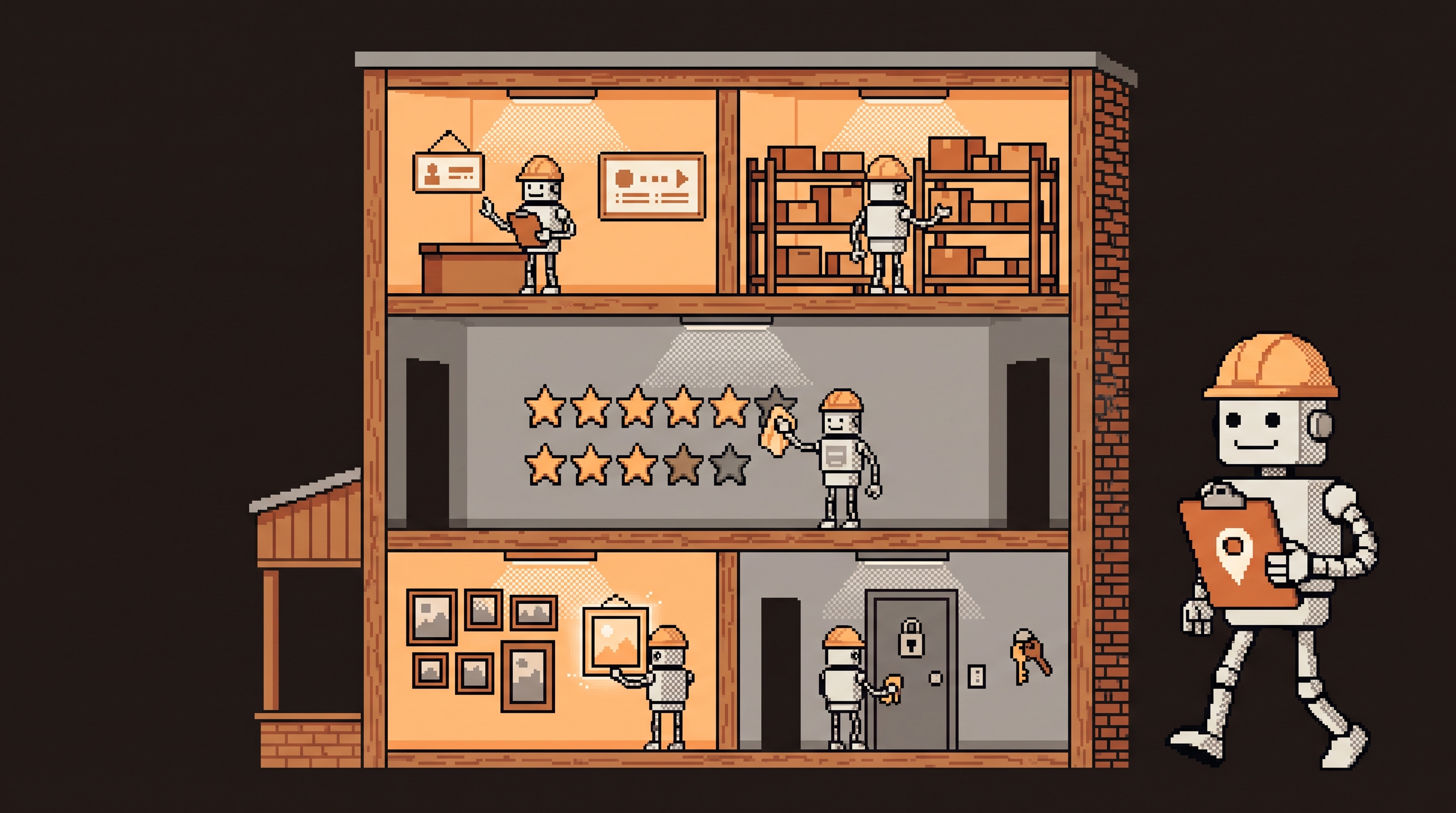
The Google Business Profile Audit: A Room-by-Room Walkthrough
That "GBP audit" agencies sell is just a checklist. Five rooms — identity, completeness, reputation, media, technical health — 29 checkpoints, one hour, no paid tools.

NAP Consistency: Why Your Shop's Phone Number Is Quietly Costing You Rankings
Old address on Facebook, 2019 phone number in a dozen Thai directories — conflicting listings quietly cap your local rankings. The one-hour audit that fixes them.

Local Keyword Research for Bangkok: Finding the Words Customers Actually Type
"Dental clinic Bangkok" is a knife fight with hospital groups. The customers you want type service + neighborhood, in Thai AND English — here's how to find and win those phrases.