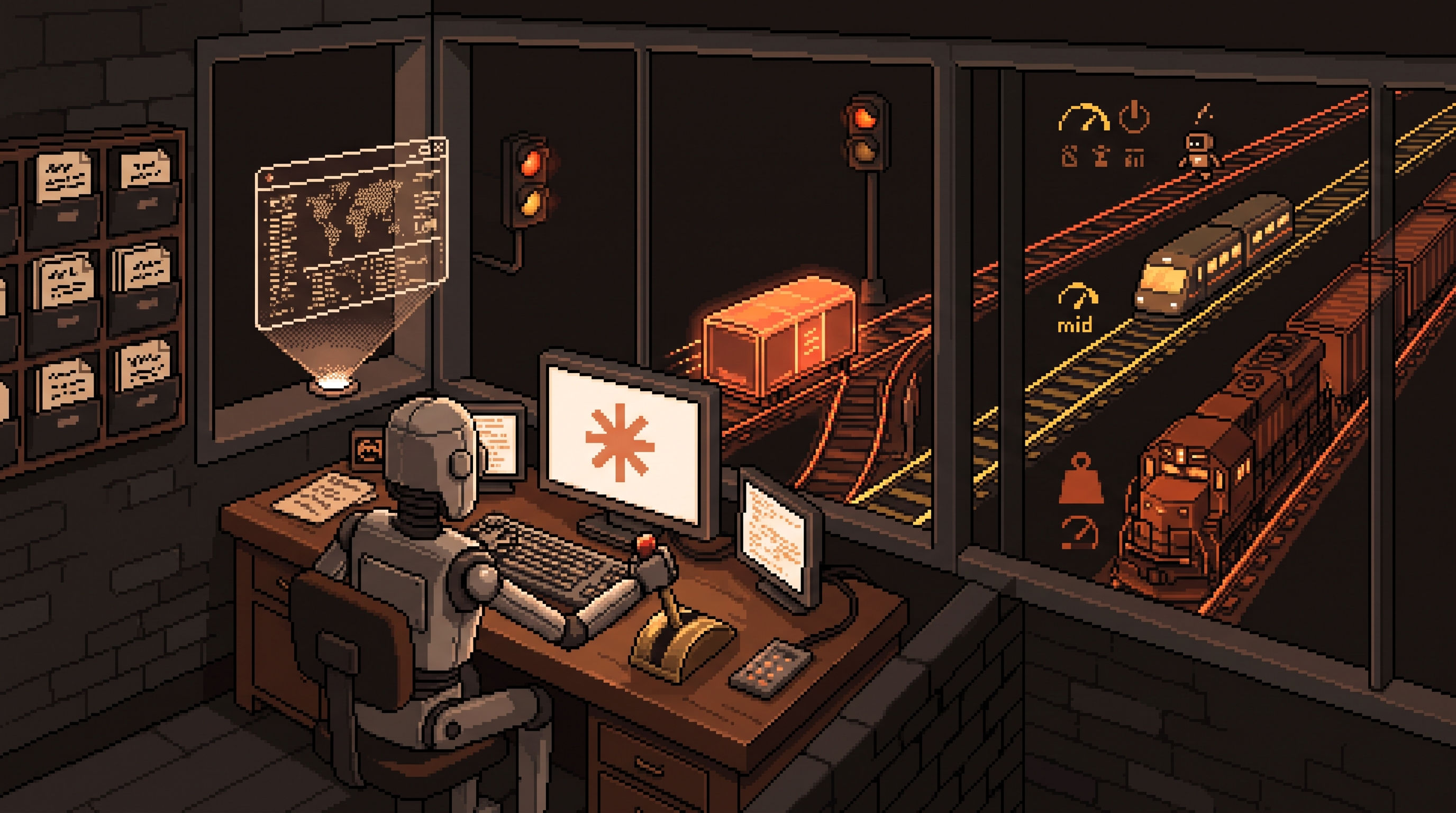
Here's a quiet waste most Claude users never notice: they route everything to the biggest model. A 40-message thread summary — work a fast model does in seconds — waits behind deep-reasoning pricing, and the monthly bill quietly doubles. Meanwhile the features that would actually remove work from their week — Artifacts, Projects, calendar analysis — sit untouched behind a chat box they treat as a search engine.
The gap between a casual user and a productive one isn't prompting talent. It's routing: sending each task to the right-sized model, and moving repeat work out of the chat window entirely — into tools, into persistent context, into connected systems.
This is the tactical playbook: which model for which job, how to migrate your setup from another tool without losing your personality settings, and the four features that turn Claude from an answer machine into a workbench. (For the bigger-picture progression — chat to Projects to agents — see the mastery roadmap; this post is the nuts and bolts of daily use.)
Get productive with Claude by routing tasks to the right model — Haiku for high-volume low-complexity work like summaries and categorization, Sonnet for daily drafting and coding, Opus only for deep reasoning — then moving beyond chat: Artifacts to build interactive tools (calculators, dashboards) in-window, Projects to store persistent context so instructions never get re-pasted, and integrations with email and calendar so the AI works on your actual data instead of pasted copies.
Model Routing: The Cheapest Upgrade You'll Make
Three tiers, three jobs. Choosing wrong in either direction wastes something — money and latency when you overpay, quality when you underpay:
| Model | Strengths | Route to it |
|---|---|---|
| Haiku | fast, cheap, high-volume | summaries, categorization, extraction, sorting |
| Sonnet | balanced all-rounder | emails, content drafts, code, daily work |
| Opus | deepest reasoning | strategy analysis, complex patterns, high-stakes |
The habit that pays: before sending, ask "does this need thinking or just processing?" Fifty meeting notes into action items is processing — Haiku. A pricing decision with three trade-offs is thinking — Opus. Most daily work lands in Sonnet, which is exactly why it exists.
The same routing logic applies if you run local models: a small Ollama model handles classification all day at zero marginal cost, and only genuinely hard reasoning escalates to the big cloud model. Match capability to difficulty everywhere, not just inside one subscription.
Migrating Without Losing Your Setup
Moving from another tool and don't want to re-train a new assistant from scratch? Export your accumulated personality first:
Ask your OLD assistant:
"Summarize my preferences, drafting style, tone, formatting
rules, and recurring requirements into one dense paragraph
I can paste into another tool's memory."
Paste the result into Claude's memory/instructions, run one test task, and correct the drift. Ten minutes total — versus weeks of a new assistant subtly not sounding like you.
Email: From Digging to Directing
Connected to your mailbox, the work changes shape. Instead of excavating threads yourself, you ask the questions the digging was for:
- "Summarize everything with this client since June; what's still open?"
- "Which messages this week actually need my decision?"
- "Draft replies to these three, in my usual tone"
The context advantage is the difference: a connected assistant sees the history with each person, so summaries and drafts land informed instead of generic. (If the inbox is client-sensitive, the same triage pattern runs locally — Ollama plus your mail export — with nothing uploaded.)
The Calendar as a Coach
Calendar integration's obvious use is scheduling. The valuable use is audit. Give it your quarterly goals and ask:
Here's my calendar export and my three goals for this
quarter. Analyze the last four weeks: what percentage of my
hours went to goal-aligned work, meetings, and admin?
Where's the biggest mismatch, and what should change first?
Most people discover a calendar that claims to serve goals they can't find in it. The mismatch list is uncomfortable and actionable — and it costs you one question, not a time-tracking subscription.
Artifacts: Build the Tool Instead of Asking Again
Artifacts render working interactive output in its own window — code, pages, small tools. This is the feature that turns a chat into a workbench, because a tool you build once outlives a hundred answers:
- A quote calculator with your real pricing logic and toggles per service tier
- A milestone tracker for a project, clickable instead of a bullet list
- A decision matrix where you weight options live
The pattern to internalize: the third time you ask a similar question, you should be asking for a tool instead. "Calculate this quote" is a question; "build me a quote calculator I can reuse" is leverage. The same instinct, applied with a local model plus a script, is how internal dashboards get born.
"Visualize This": Understanding at a Glance
Complex processes die in prose. Two words change that: "Visualize this" — followed by the description — turns tangled workflows into flowcharts, project timelines into maps, data piles into clickable breakdowns. Reading a five-step process as a diagram takes a glance; as paragraphs, it takes a meeting. Use it whenever a description contains more than one "then."
Projects: Stop Re-Pasting Your Business
A Project is a folder of persistent context — transcripts, SOPs, brand guidelines, past reports — preloaded once and available to every chat inside it. The compounding uses:
- Onboarding: a new team member chats against the client's full history from day one
- Voice consistency: guidelines plus approved samples loaded, so every campaign draft starts on-brand
- Institutional memory: decisions and their reasoning stay queryable
The curation rule from the earlier Skills piece applies here too: one project per domain, pruned quarterly. A junk-drawer project recreates the context soup you were escaping.
The Weekly Upgrade Loop
One feature per week, in order of payoff:
week 1: route by model — one conscious routing decision per task
week 2: build one Artifact you'll reuse (calculator/tracker)
week 3: migrate memory + set up one Project with real files
week 4: connect calendar, run the goals-vs-hours audit
Four weeks, and the chat box has become a workbench: right-sized models, reusable tools, persistent context, and a coach reading your calendar. None of it required a single "advanced prompt" — just routing.
Frequently Asked Questions
What are Artifacts in Claude?
Dedicated windows where Claude renders working output — code, web pages, interactive tools — instead of describing them as text. You use the thing immediately: click the calculator, toggle the tracker, open the page.
How is Sonnet different from Opus?
Sonnet is built for speed and handles most daily work — writing, drafting, standard coding — efficiently. Opus thinks harder and longer; reserve it for complex logic, strategy, and analysis where precision matters more than turnaround.
What's the main benefit of Projects?
Context retention. Load the documents once — SOPs, transcripts, guidelines — and every chat in the project starts informed. No re-pasting, no re-explaining, and answers arrive tailored to your actual business instead of generic patterns.
Should I connect my real inbox and calendar to a cloud assistant?
It depends on sensitivity. For most personal and internal work the convenience wins; for client-confidential material, run the same triage and audit patterns locally (Ollama plus exports) where nothing leaves your machine. Capability first, sensitivity decides the venue.
Wrap-Up
Productivity with Claude is a routing problem: Haiku for volume, Sonnet for the daily middle, Opus for the rare deep end. Then move the work out of the chat window — Artifacts for tools you'll reuse, Projects for context you'd otherwise re-paste, integrations so email and calendar become queryable. Migrate your personality settings once, visualize anything with more than one "then," and add one feature a week. The search-engine habit dies fast once the workbench takes its first load.
Related posts

The Number Was Right, the Conclusion Was Wrong: Spotting Mix Shifts
An aggregate can fall while every segment behaves identically — composition changes impersonate behavior changes. Segment before you summarize, and bake the check into every automated report.

Stuck Between Two Options? Break Decision Paralysis Before the Deadline
A tied pro/con list means the list is out of answers. Break the binary, audit which beliefs you can verify before Friday, pre-live both futures — then hunt the one missing fact.

Map It First: Design Workflows Before You Automate Them
Automating an unmapped process just repeats the mess faster. Document reality, name an owner for every output, bound automation by risk — then hand the runbook to people or AI agents.