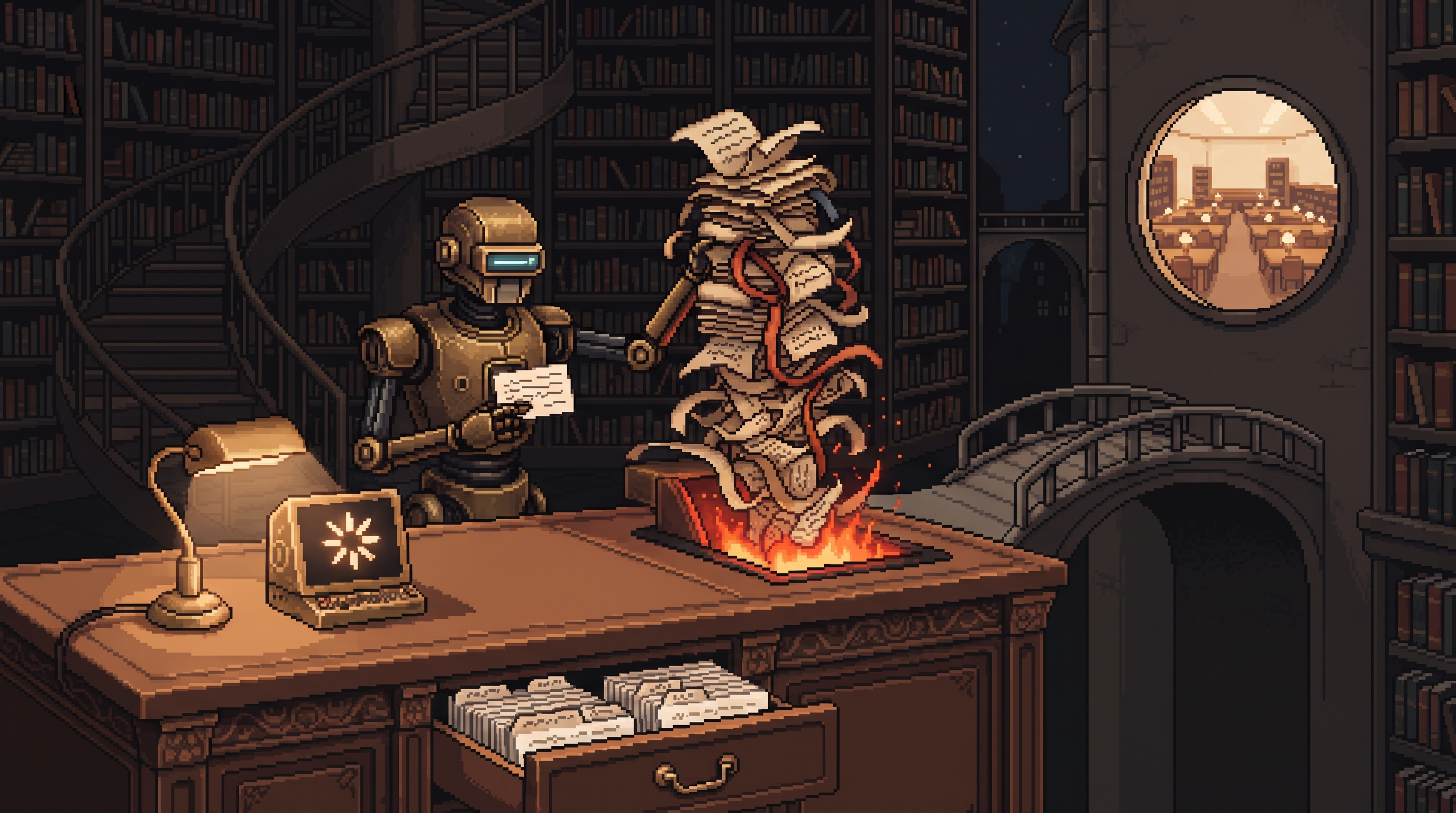
Somewhere around message forty, your Claude conversation starts repeating itself. It forgets the constraint you set at message six, re-introduces an idea you rejected at message twelve, and drifts vaguely toward polite nonsense. Nothing crashed. The model didn't get dumber. The conversation just got heavy.
That's the single most useful thing to understand about working with Claude: every message re-reads the entire conversation. All of it, every time. That mechanism is why long threads degrade — old corrections, abandoned ideas, and contradictions all get equal weight in what the model "remembers." Mastering the tool is mostly conversation hygiene: keeping context clean, starting fresh at the right moments, and replacing vague requests with rules it can actually follow.
(Companion pieces: the mastery ladder covers the big progression, and the playbook covers features and model routing. This one is the day-to-day craft — context, clarity, and thread management.)
Get consistently better Claude output through context management and precision: use Projects only for recurring tasks with fixed reference material (they anchor the model to your documents, which stifles open creativity); start a fresh chat when a thread passes roughly 30–50 turns or repeats mistakes, carrying over only the corrected essentials; replace subjective adjectives like "make it engaging" with negative constraints ("no buzzwords, under 100 words"); and instruct Claude to ask clarifying questions before answering so it gathers requirements instead of guessing them.
The Mental Model: Every Message Re-Reads Everything
A conversation isn't a growing relationship — it's a document the model rereads from the top on every turn. Two consequences follow immediately:
- Cost compounds — each turn processes everything before it
- Noise accumulates — your corrections, reversals, and dead ends all stay in the working memory with equal standing to your actual intent
A messy 60-turn thread is like briefing a new colleague by handing them the raw transcript of your last bad week and saying "you're caught up." They're not caught up. They're confused.
Projects: Powerful for Fixed Material, Wrong for Exploration
A Project anchors the conversation to a set of uploaded documents — manuals, bylaws, style guides, past reports — as its primary source of truth. That's exactly right when the material is fixed and consistency is the goal:
- Drafting contracts against your company's actual bylaws
- Writing SOPs that must match existing procedure docs
- Weekly report summaries in a consistent house format
It's exactly wrong for creative work. Load a Project full of your past writing and ask for fresh ideas, and the model will rearrange your files instead of thinking — the anchor becomes a cage. For brainstorming, original angles, or "what would a completely different approach look like," the move is a clean, empty chat, which lets the model draw on its broad training instead of your folder.
| Task type | Venue | Why |
|---|---|---|
| Recurring, reference-bound work | Project | consistency; the docs ARE the truth |
| Creative exploration | fresh chat | room to reach beyond your files |
| Long deliverable, evolving | fresh chat + pasted distilled context | you control exactly what it knows |
Precision: Constraints Beat Adjectives
The most common prompt failure is asking for a vibe. "Make it more engaging," "punchier," "more professional" — these are adjectives, and the model has to guess what they mean. Guesses land on the trained average, which is the flat output you were trying to escape.
Swap each adjective for one or more testable constraints — ideally negative constraints, which are the sharpest kind:
WEAK:   "Make this email more professional."
STRONG: "Rewrite this email with no corporate
        buzzwords, three sentences maximum,
        one clear ask at the end."

WEAK:   "Make the post punchier."
STRONG: "Cut every sentence that doesn't add
        information. First sentence under
        10 words. No em-dash asides."
A constraint is checkable; a vibe isn't. The model can comply with "no buzzwords under 100 words" perfectly, and you can verify it did.
The Clarification Instruction
Most bad AI output traces to information the user didn't know they were withholding. The one-line fix — arguably the highest-leverage prompt ever written:
Before answering, ask me any clarifying questions
you need to complete this task well.
This flips the failure mode: instead of generating confidently on assumptions and showing you what was missing, the model surfaces the gaps before committing. Answer its two or three questions and the first draft usually lands. The interview costs a minute; the rework it prevents costs an evening.
Thread Hygiene: The 50-Turn Rule and the Fresh Restart
Because context is reread-and-weighted, thread health is output health:
Watch for the saturation signals. Repetition of points already made, instructions from earlier turns quietly dropped, or the model reintroducing rejected ideas — the thread has too much history competing for attention. Somewhere past 30–50 turns this becomes likely on any substantial task.
Restart with a distillation, not a transcript. When it's time for a fresh chat, don't carry the mess. Open a new conversation whose first message is the cleaned state of the world:
Context for this task:
- Goal: [one sentence]
- Decisions so far: [bulleted, final versions only]
- Constraints: [the rules that still stand]
- What we're doing now: [the current step]
Five bullets replace forty turns of noise, and the new thread starts sharp. This restart ritual is the difference between a conversation that degrades all afternoon and one that stays crisp across days.
Never argue with a thread that's lost it. If you're correcting the same misunderstanding for the third time, the correction itself is now part of the confusing history. Take the correct material out, start clean, move on.
Beyond Text: Ask for Artifacts, Not Images
Two upgrades for non-text work:
Prototyping with code. Claude's superpower versus most chat models is generating working things. When you need a visual, don't ask for a picture of a dashboard — ask for the dashboard: "Build an interactive HTML table tracking my monthly expenses by category, with sortable columns." You get an artifact you can actually use and iterate on, not a decorative screenshot of an imaginary interface.
Research mode for multi-source questions. For complex decisions ("what are the market trends in X this year"), a research-planning mode beats standard chat: the model plans its search, reads across sources, and returns a structured, cited report instead of a single-pass summary from memory.
Frequently Asked Questions
Why do responses get repetitive in long conversations?
Context saturation. Every turn re-reads the whole history, and a long thread full of corrections and variations muddies the model's priorities. Starting a fresh chat with a distilled summary clears the noise and restores focus.
Should I use Projects for everything?
No — Projects shine when fixed reference material should anchor the output: contracts against bylaws, SOPs against existing procedures, recurring report formats. For creative or exploratory work they cage the model to your documents; a clean empty chat reaches further.
How do I stop re-explaining myself every session?
Two layers: put the stable parts (role, voice, constraints) into persistent instructions, and open each task with a short distilled-context block — goal, decisions, constraints, current step. The model starts informed without the history tax.
What's the fastest single improvement to my prompts?
The clarification line: "Before answering, ask me any clarifying questions you need." It converts hidden assumptions into answered questions before the first draft, which is where most rework actually comes from.
Wrap-Up
Mastering Claude is less about magic words and more about being a good context steward. Anchor the fixed work in Projects, keep exploration in clean chats, swap adjectives for checkable constraints, let the model interview you before big tasks, and restart threads with a five-bullet distillation instead of forty turns of sediment. The tool was never a psychic — it's an assistant with excellent reading comprehension and no ability to forget. Manage what it reads, and the output takes care of itself.
Related posts

The Number Was Right, the Conclusion Was Wrong: Spotting Mix Shifts
An aggregate can fall while every segment behaves identically — composition changes impersonate behavior changes. Segment before you summarize, and bake the check into every automated report.

Stuck Between Two Options? Break Decision Paralysis Before the Deadline
A tied pro/con list means the list is out of answers. Break the binary, audit which beliefs you can verify before Friday, pre-live both futures — then hunt the one missing fact.

Map It First: Design Workflows Before You Automate Them
Automating an unmapped process just repeats the mess faster. Document reality, name an owner for every output, bound automation by risk — then hand the runbook to people or AI agents.