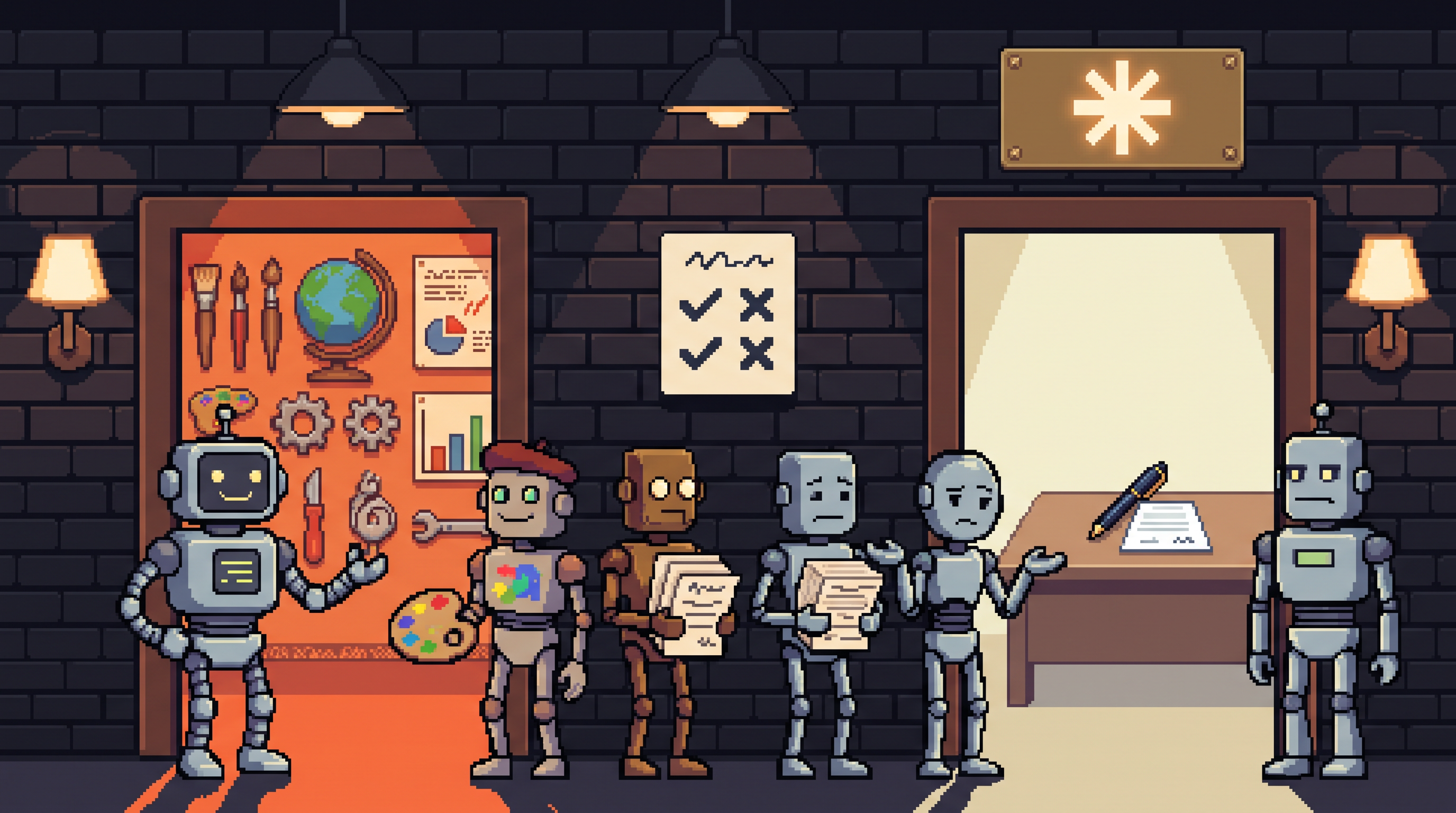
Every team meeting about "which AI should we buy" follows the same script: someone prints a feature comparison, the columns look almost identical, and the meeting ends with "let's just pilot both." Six months later both pilots are half-adopted, nobody can articulate why, and the license bill arrives anyway.
The comparison-chart meeting fails because it asks the wrong question. ChatGPT and Claude have reached rough parity on core work — file analysis, document editing, complex reasoning, drafting. If you're choosing on raw capability columns, you'll stall, because the columns genuinely tie. The decision actually hangs on three things charts don't show: what your team does all day, how many people will hammer the tool, and which interface your people will actually open tomorrow.
This is the buyer's guide for that decision — built around team size and task specialty rather than benchmark scores, with the two traps that sink most selections at the end. (If your question is coding agents specifically, the Claude-vs-Codex comparisons on this blog cover that; this one is about the assistant platform your whole team lives in.)
ChatGPT and Claude now tie on core capabilities — reasoning, file analysis, editing — so choose by team shape instead. ChatGPT suits teams wanting one broad hub: leading image generation, wide ecosystem of modes and skills. Claude suits teams that value concise, direct output and predictable usage limits, which mid-sized teams (under ~150 seats) especially feel. Above enterprise scale, pricing converges and interface preference dominates. The decisive question isn't which model benchmarks best — it's which tool your team will actually use daily.
Why the Feature Chart Ties
Both platforms now cover the same daily bread: upload a PDF and interrogate it, edit a document, reason through a multi-step problem, draft the thing. The headline differences live in the surrounding ecosystem, not the core:
| Capability | ChatGPT | Claude |
|---|---|---|
| Reasoning and analysis | strong | strong |
| File/PDF work | strong | strong |
| Writing style | versatile, warmer | more concise, direct |
| Image generation | class-leading (DALL·E lineage) | not the focus |
| Ecosystem breadth | wide — modes, skills, templates | focused — Projects, artifacts |
| Usage predictability (mid-size teams) | varies by model tier chosen | generally stable on business tiers |
Notice what this table can't do: pick for you. That's the feature-parity trap — when columns tie, the decision has moved somewhere else entirely.
How ChatGPT Organizes Its Strength
The breadth is the product. Beyond the core chat, the ecosystem stacks:
- Tiered flagship models — intelligence traded against speed and cost: a heavy-reasoning tier for hard planning, a balanced middle for standard work, and a fast cheap tier for high-volume simple asks. Useful — but the cost profile of your team depends heavily on which tier people habitually reach for, which makes budgeting a governance question, not just a pricing one.
- Templates vs. skills — templates are pre-set structures for text output (a standard email shape); skills are heavier integrations for specialized workflows and data processing. The distinction matters when your team's work is workflow-shaped rather than conversation-shaped.
- Image generation — still the market leader for varied, high-quality visuals, and the single strongest reason a content-heavy team leans this way.
The honest summary: ChatGPT is the Swiss Army knife. More tools attached, slightly more decisions attached to each use.
How Claude Organizes Its Strength
Claude's pitch is narrower on purpose:
- Directness — outputs tend to be concise and to the point, with less conversational wrapping. Teams that read a lot of AI output per day notice this immediately; less scanning, less trimming.
- Usage predictability — on the business tiers, mid-sized teams (roughly up to 150 seats) consistently report fewer "you've hit a cap" walls during long workdays. Whether that holds for your workload is testable in a two-week pilot — but it's the most common reason mid-size teams land here.
- A focused working surface — Projects for persistent context, artifacts for buildable output, fewer competing modes. Less to learn, fewer ways to get lost.
The honest summary: Claude is the good pen rather than the full toolkit. If your team's AI work is text-centric — analysis, writing, documents — the focus pays.
The Team-Size Axis
The least charted and most decisive variable:
under_150_seats:
  pattern: "usage predictability matters most"
  lean: Claude business tiers — stable limits, less
        mid-quarter bill anxiety; ChatGPT works too if
        image generation or ecosystem breadth is core
enterprise_150_plus:
  pattern: "pricing converges and both get expensive"
  decider: "which interface your staff already prefers"
  note: "at this scale, procurement and security review
         dominate; the model differences wash out"
Below enterprise scale, the practical test is a two-week pilot with a realistic workload — not the vendor's tier page. Watch two numbers: did anyone hit a usage wall mid-day, and what did the actual bill do versus the quote.
The Local Layer Nobody Puts on the Chart
Both platforms are cloud services, which means one selection criterion never appears in their comparison pages: your data leaves the building. For most day-to-day work that's fine. For the sensitive slice — client contracts, unreleased strategy, anything under NDA — the mature setup isn't "pick the safer cloud," it's route that slice locally: a capable model on your own hardware (Ollama) for the confidential work, with the cloud assistant carrying the rest. Whichever platform you pick, that split is cheaper than an incident and doesn't depend on either vendor's roadmap.
The Two Traps
The feature-check trap. Buying the platform with the most features while your team uses 5% of them — and that 5% works identically on both. Extra features you don't use aren't free; they arrive as interface complexity your team pays for every day. Pick against the habits you have, not the ones the demo imagined.
The perfect-model hunt. Waiting for the definitive winner before committing. The gap between the two has narrowed to the point where adoption is the dominant variable: a team that happily uses tool B outperforms a team that grudgingly uses the "objectively better" tool A, every time. The most successful deployments are consistently the ones where staff simply like opening the thing.
The cheap test for both traps: run both platforms for two weeks on real work, then ask the team — not the IT committee — which one they'd keep. Their preference is the decision.
Frequently Asked Questions
Is one platform actually smarter than the other?
On core reasoning the gap has narrowed to near-parity — both flagships handle complex analysis, file manipulation, and multi-step problems well. The felt differences today are style (Claude skews concise), ecosystem (ChatGPT skews broad), and image generation (ChatGPT leads).
Why does team size matter so much?
Because usage economics diverge below enterprise scale. Mid-sized teams on Claude's business tiers tend to hit fewer usage caps during heavy days, while ChatGPT costs can swing with which model tier people habitually choose. Above ~150 seats both converge on expensive enterprise contracts, and interface preference becomes the tiebreaker.
What if my team needs images and tight writing?
Split is legitimate: ChatGPT for the visual work, Claude for the text volume. Subscriptions are per-seat and modest; the mistake is forcing one tool into a job it visibly dislikes when the other does it natively.
Where does a local model fit in?
As the sensitive-data lane. Cloud assistants for general work; a local model (Ollama) for client-confidential and internal-strategy material. It complements either choice, insulates you from both vendors' pricing changes, and covers you when a contract or policy makes cloud processing a non-starter.
Wrap-Up
The comparison chart ties because the models tie — so decide on the axes the chart can't hold: your team's daily texture (text-centric vs. visual/ecosystem), your seat count and where the usage walls are, and which interface your people open without being told. Pilot both on real work for two weeks, price the bill honestly, route the confidential slice locally, and then commit fully. The best AI for your team was never the one with the most features — it's the one your team stopped noticing they were using.
Related posts

The Number Was Right, the Conclusion Was Wrong: Spotting Mix Shifts
An aggregate can fall while every segment behaves identically — composition changes impersonate behavior changes. Segment before you summarize, and bake the check into every automated report.

Stuck Between Two Options? Break Decision Paralysis Before the Deadline
A tied pro/con list means the list is out of answers. Break the binary, audit which beliefs you can verify before Friday, pre-live both futures — then hunt the one missing fact.

Map It First: Design Workflows Before You Automate Them
Automating an unmapped process just repeats the mess faster. Document reality, name an owner for every output, bound automation by risk — then hand the runbook to people or AI agents.