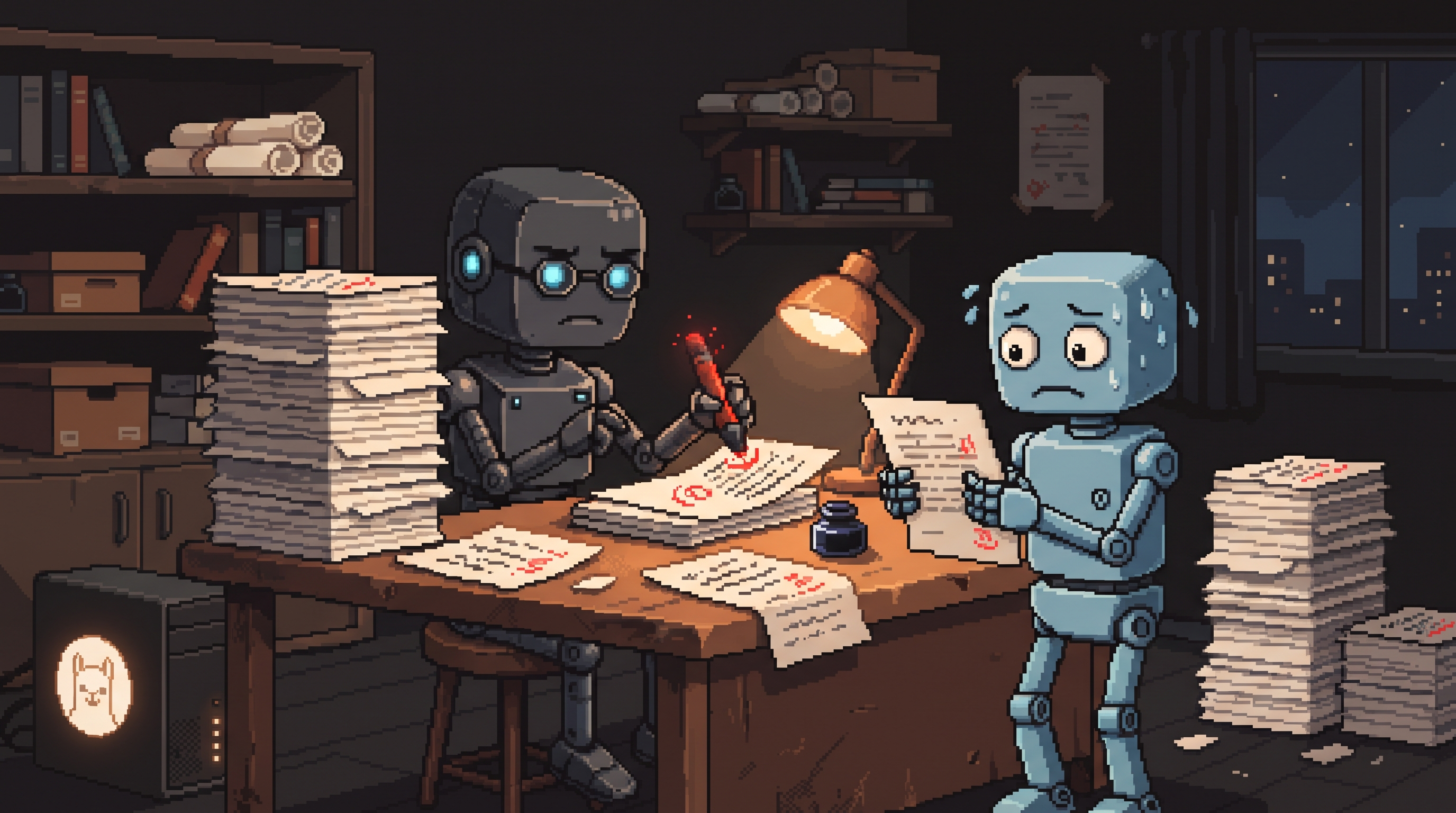
You finish a draft at 1 a.m., read it back, and it sounds perfect — because you wrote it, and your brain fills in everything you meant to say. The next morning it reads like a stranger wrote it on a bus. Repetitive phrases. A logical leap in paragraph four that only makes sense inside your head. A tone that drifts from conversational to boardroom halfway through.
That's the curse of knowledge, and no amount of "reading it again" fixes it, because you are the wrong reader. You need fresh eyes. AI gives you fresh eyes on demand — if you use it as a critic instead of a ghostwriter.
This post shows the personas, the exact critique prompts, and a redline workflow that keeps every edit in your hands — all runnable locally with Ollama so your unpublished drafts never leave your machine.
Use AI as a critical reviewer by assigning it a specific persona — a strict editor, a skeptical reader, or a confused beginner — and asking it to identify problems, not fix them. Request targeted critiques (clarity, logic, tone, gaps) one at a time, then make the edits yourself. This keeps your voice intact while catching the issues you can't see because you already know what you meant to say.
Why You Can't Proofread Yourself
The curse of knowledge works like this: once you know a subject well, your brain auto-completes your own writing. Missing steps feel present. Repeated phrases feel varied. Weak transitions feel smooth, because your memory supplies the connective tissue that the text doesn't.
A model reading your draft cold has none of that context. That's not a weakness — it's exactly the property you want in a reviewer. It stumbles precisely where a real reader will stumble.
But there's a catch: a generic "review this" prompt produces a generic book report ("great points, maybe tighten the intro!"). To get useful criticism, you have to design the reviewer.
Three Reviewer Personas That Actually Work
Different drafts need different critics. Assign the persona explicitly:
| Persona | What it hunts | Best for |
|---|---|---|
| The Grumpy Editor | Wordiness, hedging, repetition, flabby sentences | Blog posts, newsletters |
| The Skeptical Reader | Logical leaps, unproven claims, "wait, why?" moments | Arguments, case studies, docs |
| The Confused Beginner | Jargon, skipped steps, unexplained terms | Tutorials, technical explainers |
The persona changes what the model pays attention to. A grumpy editor doesn't congratulate you; a confused beginner doesn't pretend your acronym was obvious.
The Redline Rule: Diagnose, Don't Rewrite
The single biggest mistake is pasting a draft and saying "improve this." You get back a rewrite in the model's voice — polished, generic, and no longer yours.
Instead, ask for a report, not a rewrite:
Act as a grumpy senior editor. Read the draft below.
Do NOT rewrite anything. Produce a bulleted redline report:
1. Three sentences that are confusing or drag — quote each, say why
2. Every logical leap a reader could challenge — quote the gap
3. Any place the tone shifts unexpectedly — quote before/after
4. Words or phrases repeated too often — list them with counts
Be specific and harsh. Vague feedback is useless feedback.
DRAFT: <paste>
Two details do the heavy lifting: "quote each" (forces evidence, not vibes) and "do NOT rewrite" (keeps you as the editor-in-chief). You get a punch list; you swing the hammer.
Running Your Critics Locally
Unpublished drafts are the most sensitive text most people own — client material, half-formed ideas, things you'd never want on a third-party server. Run the whole review loop locally with Ollama:
ollama pull llama3.1
ollama run llama3.1 "$(cat critic-prompt.txt) DRAFT: $(cat draft.md)"
For repeated use, bake the critic into a Modelfile so it's always loaded:
FROM llama3.1
SYSTEM """
You are a grumpy senior editor and skeptical reader combined.
You never rewrite the author's text. You produce redline reports:
quoted problem, why it fails, no fixes unless asked.
Be specific, quote evidence, be harsh.
"""
ollama create critic -f Modelfile
ollama run critic "Review this draft: $(cat draft.md)"
Now ollama run critic is your on-demand second opinion, and the draft never left the machine.
A Full Review Pass, Step by Step
One prompt asking for everything gets shallow answers on everything. Run the critique in passes, weakest dimension first:
- Clarity pass — "Identify the three most confusing sentences. Quote each and explain what a reader might misread."
- Logic pass — "List every claim that isn't supported by something in the text. Quote each."
- Tone pass — "Does this sound like one author throughout? Flag any paragraph where the register shifts."
- Gap pass — "List the questions a smart reader would still have after finishing."
Track results in a simple review file so patterns surface:
{
  "draft": "automation-post-v2.md",
  "clarity": ["para 2: 'leverage synergies' sentence confusing"],
  "logic": ["para 4: claims 40% savings, no source"],
  "tone": ["para 6 suddenly formal after casual open"],
  "gaps": ["never explains what happens when the API is down"],
  "repeated": ["actually x7", "simple x5"]
}
When the same note appears in two passes, that's not a nitpick — that's the draft telling you where the real revision is.
From Report to Revision
The model diagnoses; you operate. Go back to your original document and fix each item yourself:
- Rephrase the confusing sentences in your own words
- Add the missing evidence, or cut the claim
- Reweight the tone manually — usually by adding one concrete example
- Answer the gaps, or acknowledge them explicitly
This is slower than accepting an AI rewrite. It's also why the final piece still sounds like you — but rested, reviewed, and tightened. The thinking stays yours; the blind spots don't survive.
Frequently Asked Questions
Should I ever let the AI rewrite after it critiques?
For mechanical fixes (typo lists, repeated-word cleanup) it's safe. For sentences, prefer doing it yourself — model rewrites default toward its own average voice, which is precisely the flatness you're trying to avoid.
How harsh should the persona be?
Harsher than is comfortable. Models default to politeness; an explicitly grumpy, skeptical instruction counteracts that. If the feedback feels too gentle, tell it "assume this draft will be rejected unless you find real problems."
Does a local model critique well enough?
Yes — critique is a comprehension task, not a creativity task, and mid-size local models handle it well. The quoted-evidence format keeps them honest: a model must actually find the sentence to quote it.
How many critique passes should I run?
Two to four. Clarity and logic catch most fatal flaws; tone and gap passes are for pieces going somewhere public. Beyond that, you're polishing instead of shipping.
Wrap-Up
The value of an AI reviewer isn't that it writes better than you — it's that it reads worse than you, in the specific way a first-time reader does. Assign it a persona, demand quoted evidence, forbid rewrites, and run the loop locally so nothing private leaves your machine. You keep the pen; you just gain an editor who never gets tired, never spares your feelings, and costs nothing but electricity.
Related posts

The Number Was Right, the Conclusion Was Wrong: Spotting Mix Shifts
An aggregate can fall while every segment behaves identically — composition changes impersonate behavior changes. Segment before you summarize, and bake the check into every automated report.
Stuck Between Two Options? Break Decision Paralysis Before the Deadline
A tied pro/con list means the list is out of answers. Break the binary, audit which beliefs you can verify before Friday, pre-live both futures — then hunt the one missing fact.

Map It First: Design Workflows Before You Automate Them
Automating an unmapped process just repeats the mess faster. Document reality, name an owner for every output, bound automation by risk — then hand the runbook to people or AI agents.