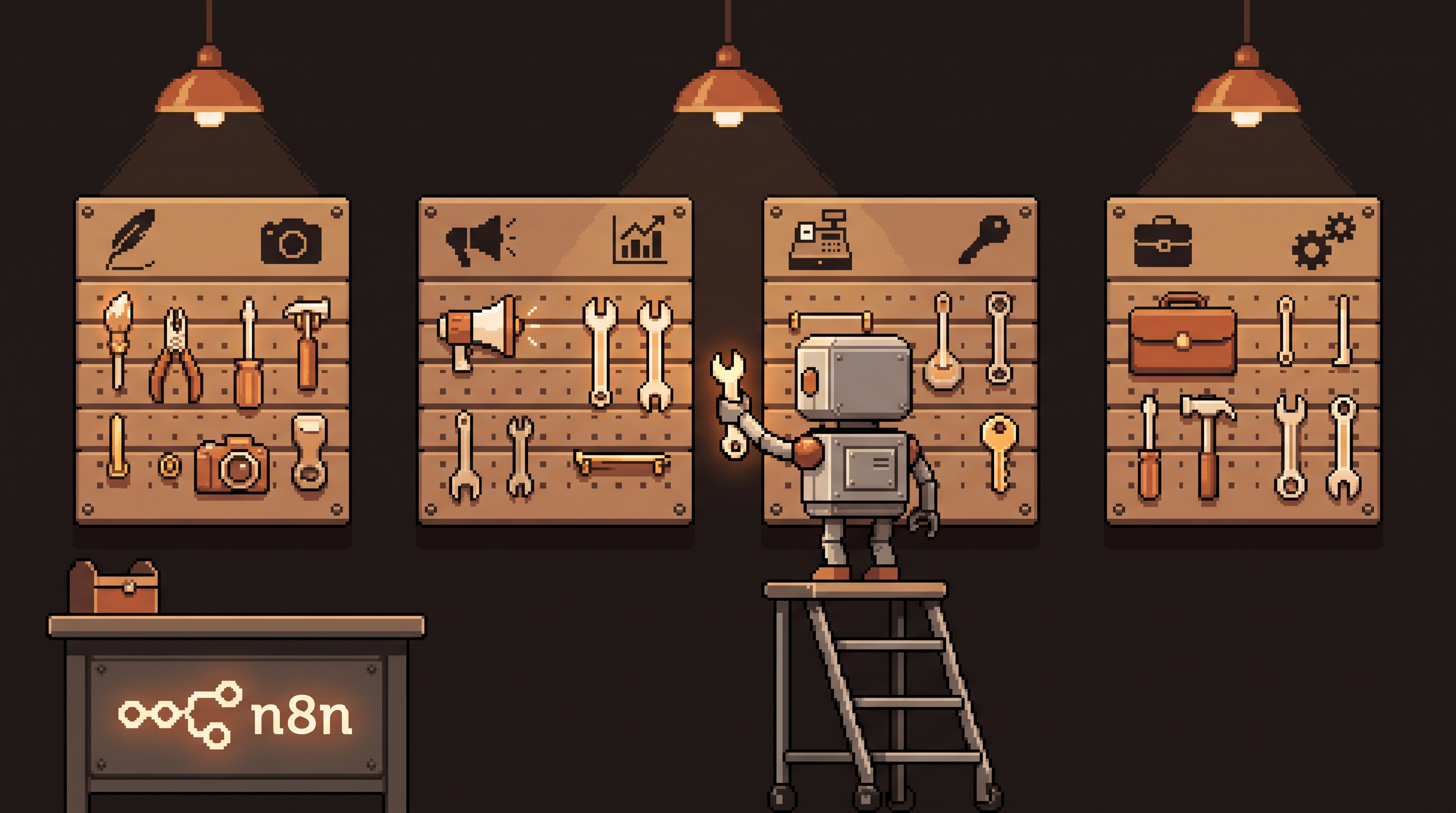
Ask a content creator and a small business owner what "using AI" means, and you'll get two different conversations. The creator wants drafting help and a content pipeline. The business owner wants the invoice follow-ups to stop eating her Sunday. Give both the same generic "10 AI tips" listicle and you've helped neither.
The way you spend your week decides which automations are worth building. A corporate analyst inside established systems has different bottlenecks than a solo creator building an audience — and the automation that transforms one is a distraction for the other. Yet almost all AI advice is written as if everyone's job had the same shape.
This post maps the four common work roles — creator, marketer, small business owner, corporate specialist — to the automations each one actually needs, with the first workflow to build for each. Run them locally (n8n plus Ollama) and the privacy question solves itself along the way.
Match AI automations to your work role instead of collecting generic tips. Creators need drafting and publishing pipelines; marketers need research and reporting loops; small business owners need inbox, invoicing, and follow-up automation; corporate specialists need meeting-notes and internal-knowledge workflows. Identify where your weekly hours actually go — creating, promoting, operating, or executing inside a larger system — and build one workflow for that bottleneck first, locally with n8n and Ollama if the data is sensitive.
Four Roles, Four Different Bottlenecks
The useful question isn't "what does AI do?" It's "what does my week consist of, and which part of it repeats?" Here's the map:
| Role | Weekly reality | Biggest time sink | First automation to build |
|---|---|---|---|
| Creator | Publishing to grow an audience | Drafting and repurposing | Idea-to-draft pipeline |
| Marketer | Driving results for a product | Research and reporting | Comment/competitor digest |
| Small business owner | Wearing every hat at once | Admin and follow-ups | Invoice + inbox triage |
| Corporate specialist | Executing inside a big system | Meetings and knowledge-hunting | Meeting-notes workflow |
If you're a hybrid — most people are — pick the row that eats the most hours, not the one that sounds most like your job title.
The Creator: Automate the Pipeline, Not the Voice
A creator's product is attention, and the work is volume-with-quality: consistent publishing across a blog, newsletter, and social. The trap is spending all week repurposing one piece by hand.
The build that pays: an idea-to-draft pipeline.
pipeline: creator-content
input: ideas captured all week (notes app, email-to-self)
steps:
  - weekly_batch: pull captured ideas into one list
  - draft: local model expands each idea to an outline + intro
  - calendar: shortlist 3, schedule drafting slots
  - repurpose: after publishing, auto-generate social + newsletter
    variants from the final piece
Two rules keep it working. First, the model drafts and repurposes but never publishes — the voice is yours, and every derivative inherits quality from a human-edited original. Second, repurposing is downstream of publishing, not parallel to it: one strong primary piece feeds five derivatives; five scattered originals feed nothing.
A style profile makes the drafts usable: paste five of your own past pieces into a local model and have it extract your cadence, vocabulary, and structure as a reusable system prompt. Then every draft starts 70% shaped like you.
The Marketer: Automate the Inputs and the Reports
The marketer's job is results for someone else's product, which means two chronic sinks: gathering signal (what's the audience saying, what are competitors doing) and producing evidence (weekly reports nobody enjoys assembling).
The build that pays: a research digest.
pipeline: marketer-digest
schedule: every Monday 7 a.m.
steps:
  - collect: competitor changelogs, niche forum threads,
    review-site complaints for the product's category
  - analyze: local model extracts verbatim complaints,
    clusters themes, counts frequency
  - deliver: one digest — top 5 audience pains this week,
    competitor moves, suggested content angles
The comment-mining pass is the gold: verbatim audience complaints become ad copy and landing-page language that sounds like the inside of the customer's head. The reporting half is similar — pipe campaign numbers into a template with a model-written summary paragraph, and the Friday report writes itself.
The Small Business Owner: Automate the Hats
The owner is the hardest case because everything is a priority and nothing repeats cleanly — except, on inspection, quite a lot does: invoicing, payment chasing, appointment confirmations, supplier emails, the same customer questions.
The build that pays: invoice follow-up plus inbox triage.
pipeline: owner-admin
trigger: daily 8 a.m.
steps:
  - invoices: flag unpaid >7 days, draft polite reminder in
    owner's voice, queue for one-click send
  - inbox: classify new mail into ACTION / DECISION / FYI,
    archive FYIs, draft replies for ACTIONs
  - digest: one screen — reminders queued, drafts waiting,
    decisions needed
The emotional win here is bigger than the time win: the Sunday-night dread disappears when the chasing is a queue you review, not a mood you carry. Owner automations should always end in a review step — money-touching messages go out only after a human click.
The Corporate Specialist: Automate the Meeting Tax
Inside a large organization, the hours vanish into meetings and knowledge-hunting — finding the document, the decision, or the person who knows. You can't automate the org chart, but you can automate your own memory.
The build that pays: meeting notes to searchable log.
pipeline: meeting-memory
trigger: end of each call
steps:
  - transcribe: local whisper model, nothing uploaded
  - extract: decisions, action items, owners, deadlines
  - log: append structured notes to a personal knowledge file
  - daily_summary: morning brief of your open action items
    across all meetings
Local processing is the whole game here — meeting recordings are the most sensitive audio in most companies, and "just upload it to a transcription service" is a policy violation waiting to happen. A local whisper model plus a local LLM keeps the entire loop on your machine while still producing the artifact managers love: the follow-up email with owners and dates, written before you've left the call.
Finding Your Row If You're Not Sure
Look at last week's calendar and count hours into four buckets: creating, promoting, operating, executing-in-system. The biggest bucket is your row. Two caveats worth respecting:
- Build for the bucket you want to escape, not just the one you enjoy. The owner who automates content but not invoicing has automated the fun part and kept the pain.
- One workflow at a time. The failure mode is building four half-finished automations. Ship one, run it two weeks, fix the rough edges, then start the next.
Frequently Asked Questions
I'm a hybrid of two roles — which automations do I build first?
Whichever role's bottleneck causes the most recurring pain per week, not the one in your job title. A freelance designer who spends 10 hours client-admining and 5 designing is a small business owner for automation purposes. Build the invoice/inbox pipeline first.
Does running these locally require a powerful machine?
Not for the text workflows — a mid-size local model handles drafting, classification, and extraction on ordinary hardware. Local meeting transcription is the heaviest; if it's slow, transcribe on a schedule overnight rather than in real time.
Why n8n instead of just scripts?
Because the workflows change. n8n gives you visual editing, retries, and triggers (email in, schedule, webhook) without rewriting code each time the process shifts — and it runs on your own hardware, so the data stays yours. Scripts are fine for pieces n8n nodes call.
How do I keep AI drafts from sounding generic?
Give the model 3–5 of your own past pieces as style examples in the prompt and require placeholders ([NEEDS: ...]) instead of invented facts. Concrete examples beat adjectives, and you edit before anything ships.
Wrap-Up
Generic AI advice fails because jobs don't have generic shapes. Creators need pipelines, marketers need digests, owners need their hats automated, corporate specialists need a meeting memory. Find your row in the table, build the one workflow it names, run it locally if the data is sensitive, and give it two weeks before adding a second. The right automation for your role is the one that gives you back the specific hours you're actually losing.
Related posts

The Number Was Right, the Conclusion Was Wrong: Spotting Mix Shifts
An aggregate can fall while every segment behaves identically — composition changes impersonate behavior changes. Segment before you summarize, and bake the check into every automated report.

Stuck Between Two Options? Break Decision Paralysis Before the Deadline
A tied pro/con list means the list is out of answers. Break the binary, audit which beliefs you can verify before Friday, pre-live both futures — then hunt the one missing fact.

Map It First: Design Workflows Before You Automate Them
Automating an unmapped process just repeats the mess faster. Document reality, name an owner for every output, bound automation by risk — then hand the runbook to people or AI agents.