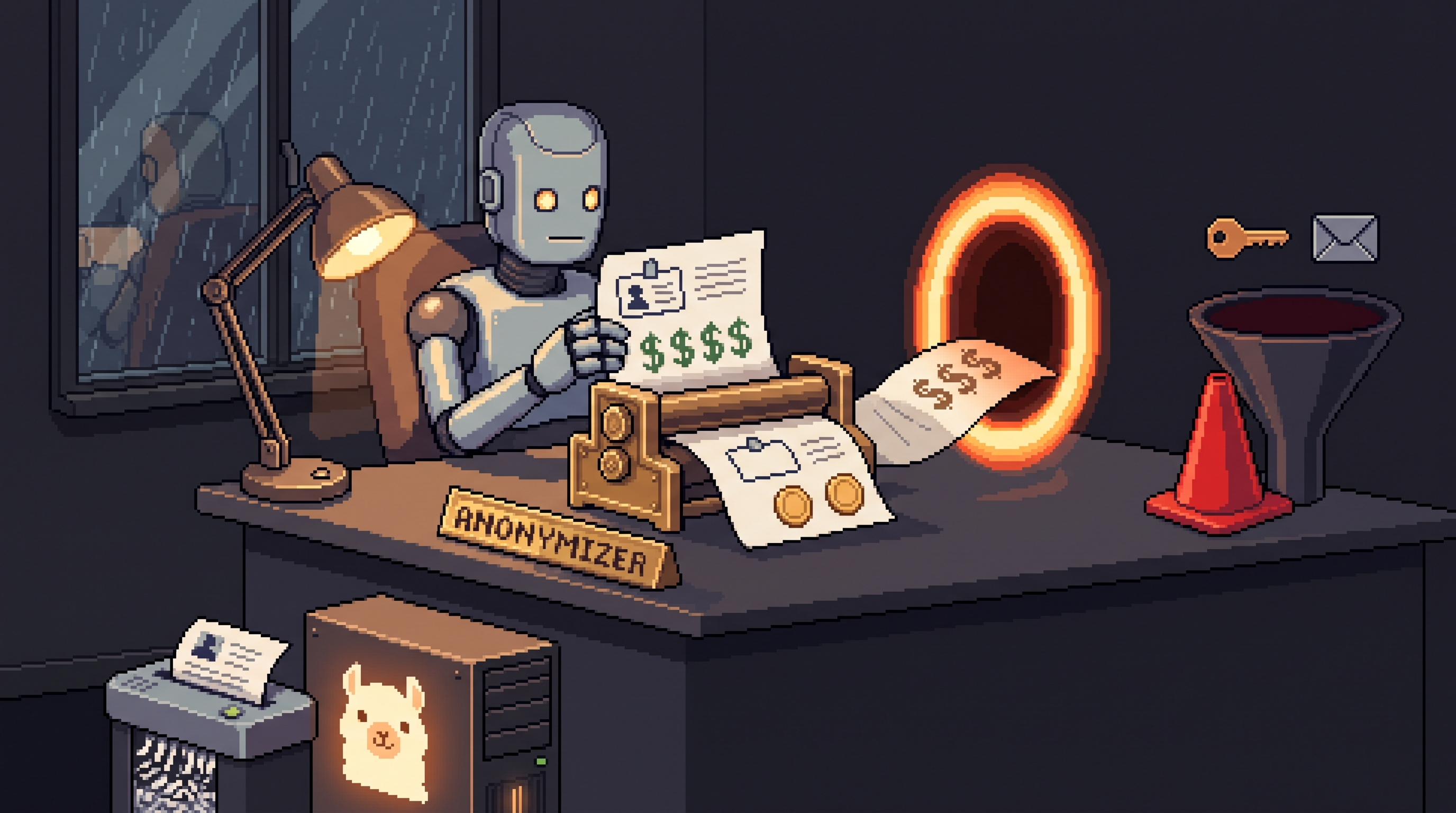
It's 9 p.m., the deck is due tomorrow, and the fastest path to done runs through a personal ChatGPT tab. The company hasn't issued AI accounts, policy is a rumor, and everyone on the team quietly does the same thing. So you paste in the strategy summary — client name, margins, next quarter's roadmap — and hit enter.
Nothing explodes. That's the trap. The harm is invisible: on default settings, your conversation can train the provider's models, and confidential material pasted into a third-party system may breach NDAs, void trade-secret protection, or trigger privacy fines. Your company's secrets don't leak through a hacker; they leak through a well-meaning employee at deadline.
This is the shadow-AI survival guide: the settings to flip on every major platform, the anonymization habit that keeps the logic and drops the secrets, and the bright lines that should never be crossed on a personal account — plus the escape hatch (a local model) that makes most of this worry obsolete. (The blog's AI-security category covers organizational defenses; this one is written for the individual employee holding a personal login.)
Use personal AI tools at work safely by, first, turning off training-data usage in each platform's settings (Claude: Settings → Privacy; ChatGPT: Data Controls; Gemini/Grok: activity controls), second, anonymizing everything before pasting — names to roles, real figures to dummies, no raw file uploads. Use temporary/incognito chats for one-off tasks, never connect personal accounts to work connectors like Gmail or Slack, and never paste credentials, customer data, or unreleased plans. For sensitive work, run a local model (Ollama) where nothing leaves your machine.
Why This Actually Matters
Three legal realities turn a helpful paste into a real problem:
- NDA breach — sharing internal details with an outside party (the AI provider) can violate your contract the moment you hit enter
- Trade-secret loss — confidential information shared externally may no longer qualify for trade-secret legal protection
- Privacy violations — pasting customer names or numbers into third-party systems can breach GDPR-class rules, with fines landing on the company
None of these require malice. All of them require only default settings and a deadline.
Step 1: Flip the Training Switches
On standard personal tiers, providers may use your conversations to improve their models. Every major platform has an opt-out:
| Platform | Where to opt out | What it stops |
|---|---|---|
| Claude | Profile → Settings → Privacy → "Help improve our AI models" off | prompts used for training |
| ChatGPT | Profile → Settings → Data Controls → improve-model toggle off | prompts used for training |
| Gemini | Google Account → My Activity controls; Temporary Chat mode for one-offs | history saved/used |
| Grok | Settings → Data Controls → training toggles off | prompts used for training |
Two honest caveats: opt-outs are account-level settings that revert if you skip them on a new device or account, and turning off training is not turning off logging — providers may still retain conversations for safety and legal oversight. Treat the toggle as a seatbelt, not a vault.
Temporary chats are the second layer: incognito-style sessions that don't persist to your history. Use them for anything work-adjacent and one-off — the plan decomposes into your head, not your profile.
Step 2: Anonymize Before the Machine Sees It
Anonymization keeps the logic of your problem and drops the secrets — the AI can help with the structure of the email without knowing whose contract it is:
ORIGINAL:    "Write an email to Sarah Jenkins at MedTech
             regarding her $2M contract expiring in December."
ANONYMIZED:  "Write an email to a client contact regarding
             their multi-million-dollar contract expiring
             in three months."
The four-move habit:
- Names → roles. "The manager," "the client," "the lead developer"; company names become "Company A" or "a regional competitor"
- Real numbers → dummies. Budget math works identically on plausible fake figures; do the final arithmetic yourself on the real ones
- No raw file uploads. Never attach the original PDF or spreadsheet — metadata (author names, paths, tracked changes) rides along. Copy the specific text you need into the chat
- Keep the pattern, drop the parties. The model doesn't need to know who is unhappy — only that a user experiencing X should receive apology Y
Thirty seconds per prompt, and the worst-case scenario downgrades from "legal event" to "awkward abstraction."
Step 3: The Bright Lines — Never on a Personal Account
Regardless of settings, some categories are simply not yours to route through a personal tool:
- Proprietary source code and infrastructure details
- Customer or patient data — names, contact info, medical history
- Unreleased plans — roadmaps, prototypes, designs not yet public
- Private financials — margins, internal budgets, deal terms
- Credentials and keys — passwords, API tokens, session cookies. Ever. Anywhere.
The self-test that never fails: would this be a problem if a sysadmin at another company could read it? If yes, it doesn't go in the prompt.
The Connector Trap
The biggest risk jump isn't typing text — it's connecting an account. Plugins that link your AI to Gmail, Slack, Teams, or Drive grant permission to index and read the entire surface, not just what you'd have pasted. That's a permanent bridge from your work environment to a platform your company doesn't control.
The rules that follow:
- Personal account + work connector = never. That combination is the shadow-IT jackpot
- If a connector is genuinely needed, it belongs on the official corporate account, authorized by IT
- Until a corporate account exists, connectors stay off your personal login — manual copy-paste (with anonymization) is the safe interface
The Escape Hatch: Local Models
Here's the part regular security guides skip: the cleanest solution to the entire dilemma is running the model on your own hardware. A local model via Ollama processes prompts with nothing leaving your machine — no training toggle to find, no provider logging, no connector permission, no jurisdiction question.
For the sensitive slice of work — contract drafts, strategy docs, anything under NDA — a local lane converts the whole checklist into one rule: it stays home. Cloud tools for public knowledge and general drafting; local model for the confidential layer. Same split this blog recommends everywhere.
A Personal Workflow That Holds Up
personal_ai_safety:
  settings_once:
    - training opt-out: ON (every platform, every account)
    - temporary_chats: default for work-adjacent prompts
  per_prompt:
    - anonymize (roles, dummies, no attachments, pattern-only)
    - bright-line scan: credentials/customers/code/plans/financials
    - no work connectors on personal accounts
  sensitive_work:
    - route to local model (Ollama) — nothing uploaded
  if_in_doubt:
    - check company shadow-IT policy before, not after
Frequently Asked Questions
Can I get in trouble for using personal AI at work?
Usage itself depends on company policy — but exposing trade secrets or customer data through one can mean disciplinary or legal consequences regardless. If you're unsure of the rules, look up your company's shadow-IT or third-party software policy before the deadline, not after the paste.
Does turning off training make my data 100% private?
No. It stops your prompts from teaching the models, but providers may still log conversations for safety oversight or legal requirements. The reliable posture: never input anything that would be a problem if a system administrator elsewhere could read it.
What exactly counts as an anonymized prompt?
One where every identifier — names, locations, exact figures, unique product names — is replaced by generic equivalents. The AI assists with the logic and structure of the problem while never seeing the private information behind it.
Is a corporate AI account actually safer?
Meaningfully yes: enterprise agreements typically exclude training on your data, add admin controls, and make connectors an IT-authorized decision rather than a personal gamble. Ask for one — "I'll stop using my personal account" is a persuasive opening line.
Wrap-Up
Shadow AI isn't going away, and pretending it doesn't exist helps nobody. Flip the training switches once, default to temporary chats, anonymize with the four-move habit before every paste, keep work connectors off personal accounts, respect the bright lines, and move the truly sensitive work to a local model where the question of exposure never arises. Productivity keeps its speed; the secrets stay home; and tomorrow's deadline stops being a legal event.
Related posts
Everyone on the Call Was Fake: The $25 Million Arup Deepfake Scam
How a deepfake CFO on a video call convinced an Arup employee to send HK$200 million, and what the scam teaches businesses about trusting video.
How to Sandbox AI Agents With MicroVMs: Enforce Zero Blast Radius
Prompt rules can't stop an agent that reasons past them. The microVM setup: network allowlists, ephemeral tokens, read-only mounts, full audit trails.
Clone Your Writing Voice With a Local AI Style Profile
"Write naturally" gets you robot prose. Feed a local model your own samples and turn them into a reusable style profile instead.