Claude vs. Codex: Choosing the Best AI Platform for Automation and Computer Use
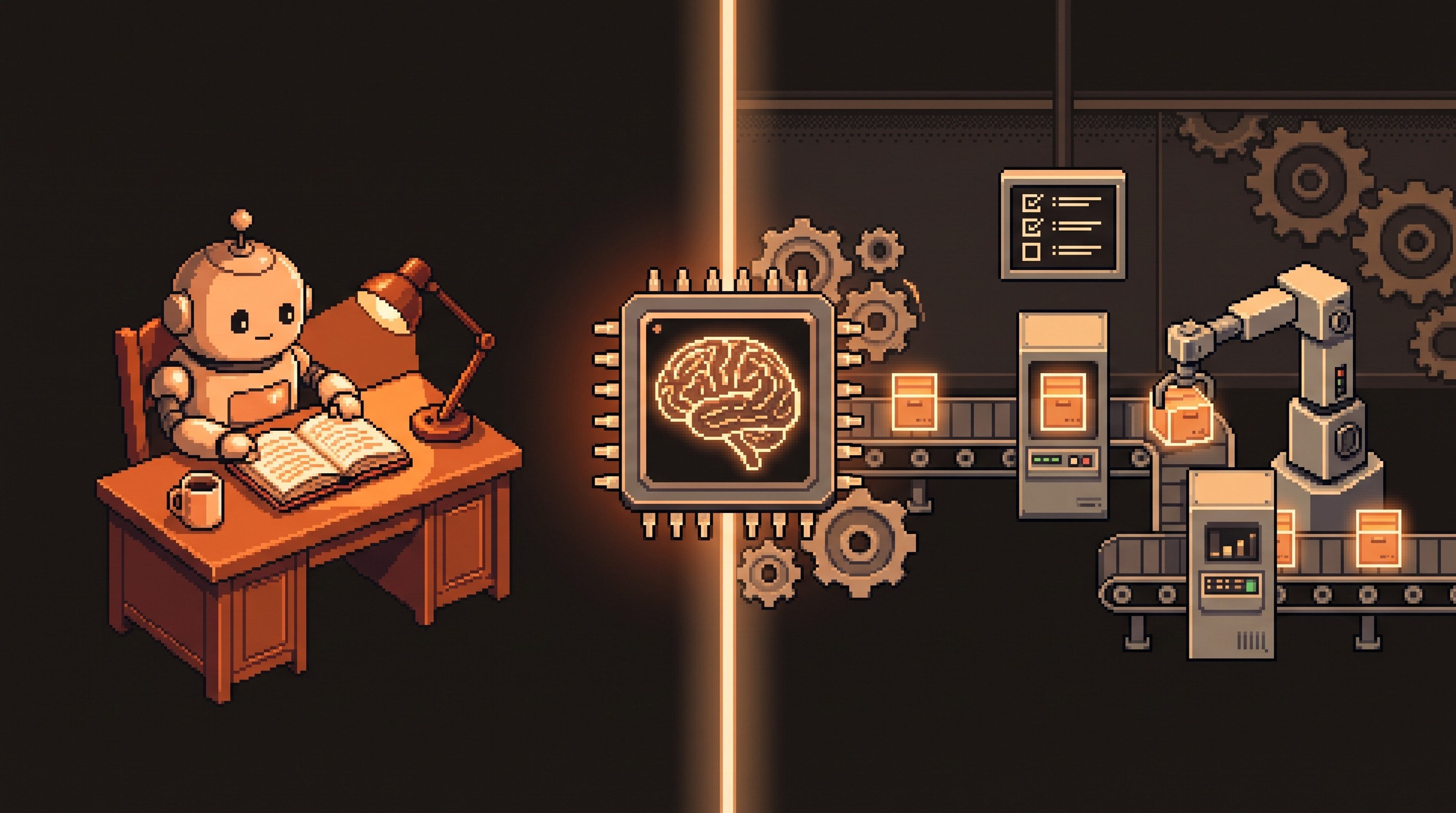
Here's the question that decides everything: do you want a thinking partner or a production factory? Claude and Codex both reason impressively. Both can write, analyze, and explain. But once you ask them to do things — browse websites, operate your desktop apps, run jobs at 9 AM while you're asleep — the two platforms split cleanly along that partner/factory line. Claude behaves like a brilliant collaborator who wants to stay in the conversation. Codex behaves like a machine shop: bring it the work, and it runs the machines.
This guide compares them feature by feature so you can pick the right role for the right job — and know exactly when keeping both is the smart move.
Quick Answer
Codex wins for "execution-style" work: unified scheduling, native browser integration, and Computer Use bundled into one workspace, plus built-in image generation and Git for non-technical users. Claude wins for nuance: restricted corporate environments, complex reasoning, and high-sensitivity platforms where Codex's agents may refuse. Treat Codex as your automation factory and Claude as your thinking partner — keep both during the transition.
Key Takeaways
- Role, not ranking. Claude is a partner for complex reasoning; Codex is a factory for high-volume, repetitive automation.
- Codex bundles the three pillars — in-app browser, Computer Use, and scheduled tasks — into one interface.
- Non-technical safety nets are built in: visual Git and one-click image iteration.
- Watch the speed dial. "Fast mode" roughly 1.5x speedup burns credits faster — reserve it for time-sensitive jobs.
Two Core Technologies, Explained
Before the comparison, two terms you'll see everywhere:
Computer Use means the AI manipulates your computer like a human would — moving the mouse, clicking buttons, typing into applications. It goes beyond the chat window and performs actions inside third-party software, which is what makes "the AI did it on my machine" possible at all.
Scheduled tasks are automations that run at a specific time or on a recurring basis — "Every Monday at 9
AM, summarize my emails." Combined with browsing, a scheduled task can keep working while you're away from the desk entirely.Keep those two in mind: the entire Claude-vs-Codex decision is basically where those two capabilities live and how reliably they run.
Why Browser Integration Matters
The enemy of smooth automation is the context switch: copying data from a browser window, pasting it into the AI chat, copying the answer back. Every hop costs you time and costs the AI context.
Codex solves this with a native, internal browser — the environment where you talk to the AI is the same environment where it "sees" the web. No plugins, no separate tabs. That matters most for three jobs:
- Scraping data: automatically gathering competitor prices.
- Research: browsing multiple sites and compiling a report in one pass.
- No-API work: interacting with sites that have no official way to share data (an API), which means the AI has to click through login screens and multi-step forms like a person would.
When the browser is part of the AI's inner loop, those login-gated, form-heavy tasks run far more reliably than when the browser is bolted on as an extension.
Computer Use: Reliability Is the Product
Both platforms technically offer Computer Use. The difference shows up in testing: give an AI a job like "open the calculator, then the CRM, then move that figure into the report" and Codex completes the physical steps with fewer errors and fewer "I can't do that" pauses. For you, that means less time correcting the AI and more time watching it work.
Claude's Computer Use is capable but can be inconsistent on complex multi-step desktop operations. If your workflow leans on desktop apps, that consistency gap decides the purchase on its own.
Unified Scheduling: The Factory Floor
The biggest practical difference is how tasks are managed over time. A multi-step job — log into a site, scrape data, format a file — might take ten minutes. You don't want to babysit it. Codex gives you a dedicated Scheduled Tasks sidebar:
- Status tracking: what's running, what finished, what failed.
- Consistency: browser, local files, and computer interactions treated as one continuous workflow.
- Zero babysitting: the job runs in the background and reports back.
# The shape of a "set-and-forget" scheduled task
task: scrape-and-report
schedule: weekdays 09:00
steps:
  - browser.open: vendor-portal.example
  - browser.login: (stored session)
  - scrape: rows where status == "pending"
  - format: build summary table
  - notify: post to #ops with attachment
Other systems need plugins or separate interfaces to approximate this, which re-introduces the fragmentation you were trying to escape. One sidebar beats three tools.
Integrated Image Generation
For content creators, image work is a daily event — and the location of that work matters. Codex integrates image generation directly into the workflow:
- Generate an ad for a product.
- Iterate: "Make it darker," "Change the text."
- Save the final version straight to the workspace.
Claude reads and analyzes images superbly, but generating and editing them usually means leaving the chat for another tool. If you manage social media or design assets, keeping generation inside the main workspace is a serious time-saver.
Version Control Without the Fear
The most overlooked safety feature for AI work is version control. When an AI touches your files, something can go wrong — an accidental deletion, an unwanted rewrite. Git is the programmer's standard answer: a complete history of every change, with undo built in.
Codex wraps Git for non-technical users:
- A visual dashboard of changes (a "Git sidebar").
- Buttons instead of commands — save your progress, "push" it to a safe place.
- A safety net: even if an agent makes a mistake mid-automation, nothing is lost.
# What the buttons do under the hood
git diff            # see every change the AI made
git checkout -- .   # undo it all if the change is wrong
git commit -m "accepted agent change"   # lock in the good version
You don't need to type these — the sidebar shows the same information. But knowing they exist turns "the AI touched my files" from a fear into a routine.
When Claude Is Still the Right Choice
There's one scenario where Claude beats Codex outright: restricted environments. Some platforms run strict security filters on commercial activity or sensitive data — recruitment tools, certain corporate systems. Codex's agents may stop and refuse when their safety protocols flag the task. Claude's different approach to guardrails often lets it complete those jobs more consistently.
If your workflow crosses high-security gates — think LinkedIn Recruiter or specialized professional software — Claude can be the more reliable tool specifically there. That's the partner role: not the factory, but the diplomat.
Transitioning Without Breaking Anything
Moving from Claude to Codex has an import path designed to carry your work over:
- Preparation. Open Settings in the desktop app and choose Import.
- Data transfer. Select the project files and recent conversations to bring over.
- Configuration. Your personal rules — writing style, safety checks — live in specialized files like
AGENTS.md, which move with you.
Watch the folder mapping:
- Old system: special instructions in
.claude/skills. - New system: the same skills live in
.agents/skills.
// Each skill gets its own folder with a SKILL.md that defines the rules
{
  "skill": "weekly-report",
  "rules": [
    "Plain English, no hype",
    "Lead with the number that changed",
    "Flag anything needing human judgment"
  ]
}
Every skill needs its own folder containing a SKILL.md file so the AI reads the instructions for that task correctly. And don't cancel your old subscription the same day: run both for 1–2 weeks and let your real tasks vote.
Summary of Comparison
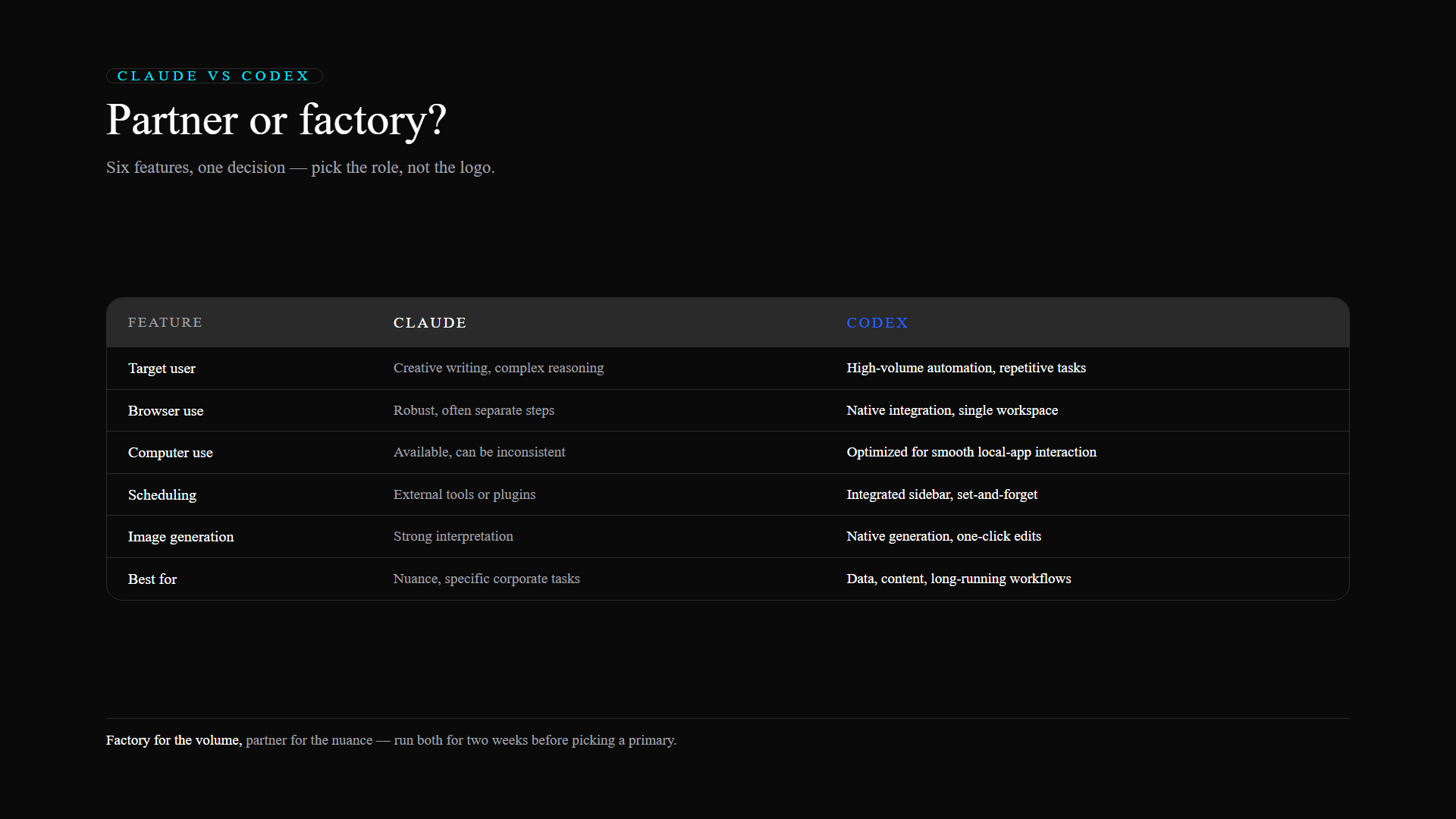
| Feature | Claude | Codex |
|---|---|---|
| Target user | Creative writing / complex reasoning | High-volume automation & repetitive tasks |
| Browser use | Robust, often separate steps | Native integration, single workspace |
| Computer use | Available, can be inconsistent | Optimized for smooth local-app interaction |
| Scheduling | External tools or plugins | Integrated sidebar, set-and-forget |
| Image generation | Strong interpretation | Native generation, one-click edits |
| Best for | Nuance and specific corporate tasks | Data, content, and long-running workflows |
Frequently Asked Questions
Does importing my work from Claude to Codex delete my old files?
No. The import process mirrors your existing setup into the new system without deleting the originals. Keep both accounts active for 1–2 weeks while you test scheduled tasks and browser functions live.
Where are skills managed in the new system?
In a Codex-based workflow, skills live in a folder named .agents/skills. Each skill needs its own subfolder containing a SKILL.md file so the AI applies the right rules for that task.
Should I cancel my Claude subscription immediately when switching?
Wait 1–2 weeks. Migrate your projects, test scheduled tasks and browser functions in a live environment, and confirm stability before canceling anything.
What's the difference between Standard and Fast mode?
Fast mode speeds up processing by roughly 1.5x, which cuts wait times on urgent jobs — but it consumes credits or tokens at a higher rate. Use it when time sensitivity outweighs cost; keep Standard for the daily volume.
Final Thoughts
The Claude-vs-Codex choice is really a question about your role in the process. Need a brilliant partner to brainstorm complex ideas or navigate restricted content? Claude remains the industry leader. Building a factory — repetitive web research, iterative image revisions, scheduled backend jobs? Codex's unified workspace is the infrastructure that makes those automations reliable at scale. Move the heavy lifting into the factory, keep the diplomat for the delicate conversations, and you get the best of both without the loyalty tax.