Comparing AI Automation Workflows: Understanding Browser Integration, Computer Use, and Scheduled Tasks
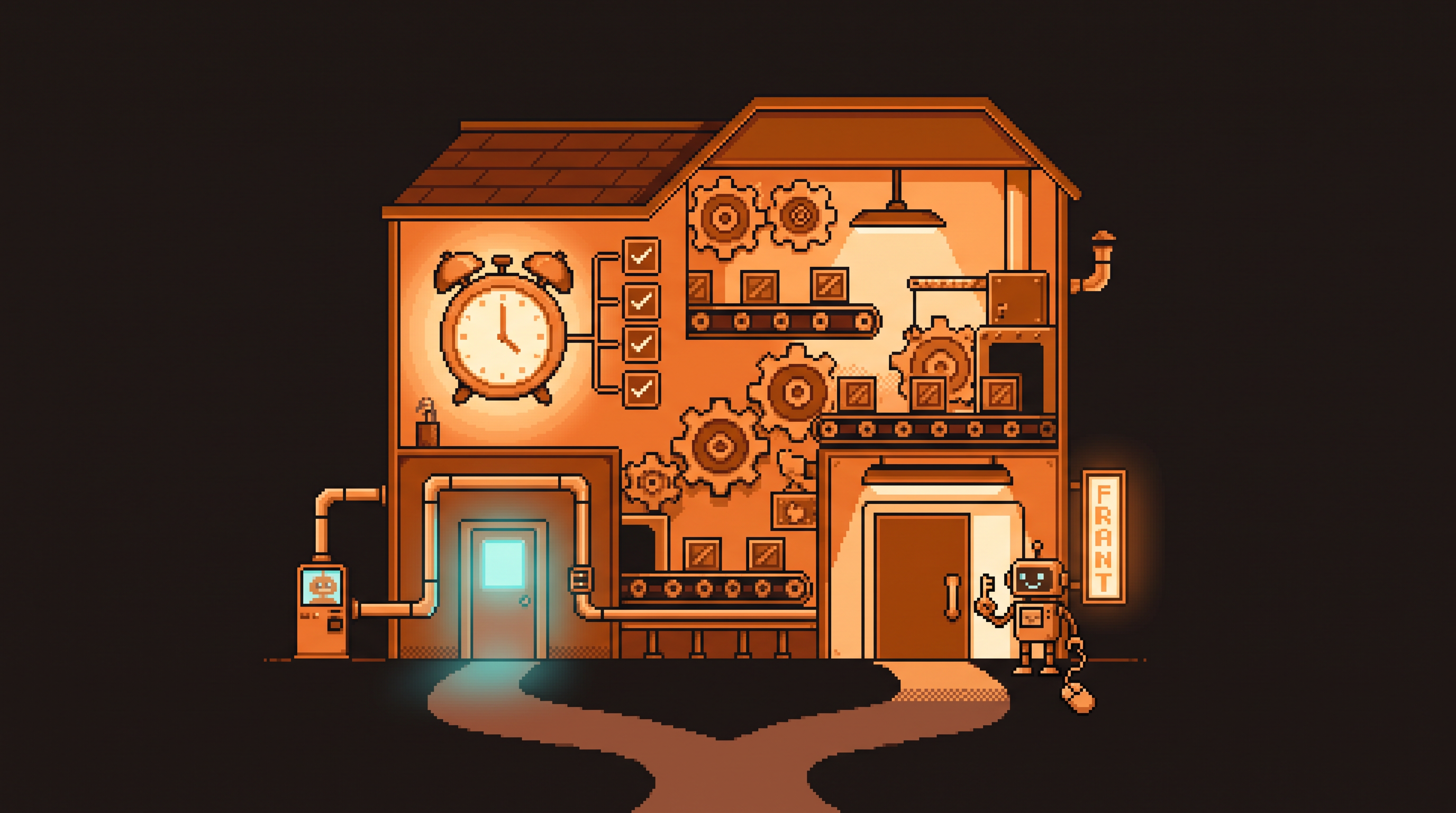
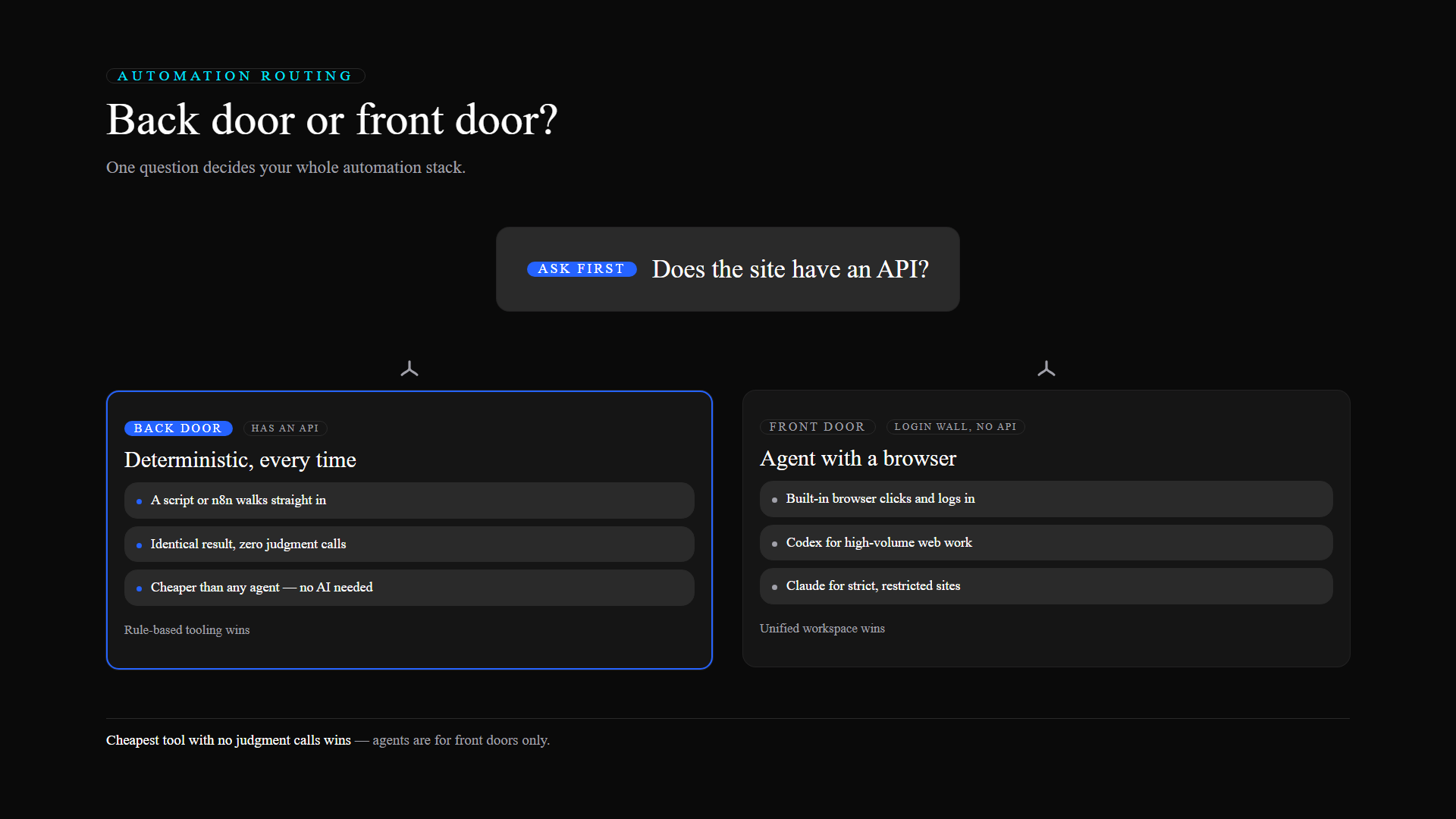
Every website has two doors. The back door is the API — a quiet, machine-only entrance where software walks straight in and grabs data without asking. The front door is the login page — the human entrance with the password field, the cookie banner, the "are you a robot?" checkbox. Most of your automation decisions come down to one question: which door does your workflow need to use?
If the site has a back door, you barely need an AI at all. If it only has a front door, you need an agent that can knock, log in, and click its way through — and that's where Claude and Codex enter the picture. This guide maps the whole landscape: browser integration, Computer Use, scheduled tasks, and the deterministic tools that should handle the back-door work.
Quick Answer
Choose a unified workspace like Codex when your automation needs the front door: websites without APIs, desktop app interaction, and scheduled tasks in one sidebar. Keep Claude for restricted environments like recruitment platforms where its guardrails navigate strict sites more consistently. And for anything with a back door — an API or a fixed rule — use a deterministic tool like n8n, which is cheaper and executes identically every time.
Key Takeaways
- Back door or front door: an API means deterministic automation; no API means an agent with a browser.
- Consolidated workspaces reduce mental fatigue by keeping research, browsing, and file management in one place.
- Computer Use lets an agent perform actions on your desktop — with big differences in reliability between platforms.
- Scheduled tasks turn one-off prompts into recurring background jobs — the foundation of real automation.
- Deterministic vs. probabilistic: for tasks that must be 100% accurate, specialized tools beat "heavy" AI models.
The Back Door: APIs and Why They Change Everything
An API (Application Programming Interface) is a way for two software programs to talk to each other directly. Think of it as a back door for data: you walk in, grab what you need, and leave — no waiting in line, no small talk with the front desk.
# Back-door automation: deterministic, cheap, exact
curl -s "https://api.example.com/orders?date=today" \
  -H "Authorization: Bearer $TOKEN" \
  | jq '.orders[] | {id, status, amount}'
When a site has an API, automation is deterministic: it happens exactly the same way every single time. No judgment calls, no surprises. And that means you don't need an expensive reasoning model for it — a script or a tool like n8n does it better, cheaper, and more reliably.
The problem? Most of the websites you actually work with don't have a back door open. Internal tools, vendor portals, older systems — these are front-door-only buildings. And front doors need hands.
The Front Door: Why Agents Need Browsers
To get through a front door, something has to act like a human: click the link, type the password, read the screen, click again. That's what browser integration gives an AI agent.
The first point of comparison is how that browser access is delivered:
- Fragmented access: browsing arrives via third-party extensions or separate "routines." You manage the flow by hopping between tabs and tools.
- Unified access: the browser is built into the primary workspace. The AI has its own internal window, so it doesn't need permission for every new tab, and you don't need to watch it work.
The unified approach matters most for the jobs that make you want automation in the first place:
- Researching competitor pricing.
- Checking inventory on an older internal site.
- Scraping info from a portal with no API.
Each of those needs a login wall crossed, a search run, results read — the AI with a built-in browser does the whole route without you shuttling between windows.
Computer Use: The Agent Borrows Your Hands
Browsing lets the AI see the internet; Computer Use lets it operate your actual machine. Instead of generating text about an action, it performs the action: opens a spreadsheet, enters data into cells, saves the file to a folder.
# A front-door workflow that only an agent can run
task: vendor-status-report
schedule: weekdays 09:00
steps:
  - browser.open: vendor-portal.example
  - browser.login: stored-session
  - scrape: rows where status == "pending"
  - spreadsheet.fill: ops-dashboard.xlsx
  - notify.slack: "#ops — daily summary attached"
The reliability gap between platforms shows up exactly here. Some systems hit errors or offer "excuses" when running complex multi-step local tasks. A more streamlined system completes those button-clicking, menu-navigating sequences with higher consistency — which is what makes long-running automations possible without you hovering over them.
Scheduled Tasks: From Prompts to Production
The biggest mental shift in automation is moving from "one-off prompts" to scheduled tasks: you give the AI a job once, and it runs automatically at set times or in response to triggers.
A recurring daily summary, a data check every morning, a periodic content update — these are the foundation of automation that actually scales. But scheduling creates a new problem: fragmentation. When one job runs through an internal "routine," another through a browser extension, and a third through manual copy-paste, you have to remember which tool owns which task.
A unified system fixes this with a single sidebar where every job lives:
- In-app browsing, because the task itself happens automatically.
- Internal credentials, because the AI already knows how to log into your tools — they sit inside the same environment.
One sidebar beats three tools, and it's the difference between an automation you trust and one you babysit.
Integrated vs. Segmented Creation
Content work — social ads, website mockups, blog images — exposes another split between platforms:
- Integrated flow: describe a scene, see the result, request "one small change at a time" — all inside the same conversation.
- Segmented flow: generate in one tool, copy into another for editing, hope the final touches survive the trip.
Native integration means an ad campaign can go from copy to image to iteration in one continuous thread. For volume creators, that seam is where the day disappears.
Git: The Undo Button for AI Work
When an AI agent can write code or change files, errors happen — a deleted line, a broken formula, an unwanted rewrite. Git is the standard answer: a history of every change, with rollback built in.
A system with built-in Git integration gives you three things:
- History: see what changed and when.
- Safety nets: if the AI's latest suggestion breaks something, roll back instantly.
- Transparency: review changes for a few seconds before they become permanent.
git diff            # what did the AI actually change?
git checkout -- .   # undo it all if the change is wrong
git commit -m "accepted agent change"   # lock in the good version
For non-technical users, a visual representation of those changes turns "the AI touched my files" from a fear into a routine.
A Practical Guide: Which Tool When
You don't have to pick one platform for everything. The rule of thumb:
| Situation | Tool | Why |
|---|---|---|
| Site has an API / task is a fixed rule | n8n or a script | Deterministic, cheap, identical every time |
| Site has no API, high-volume web work | Codex (unified) | Browser + Computer Use + scheduling in one sidebar |
| Strict platform, specific niche | Claude (specialized) | Guardrails navigate restricted sites more consistently |
| Creative writing style you trust | Claude | Consistent delivery in a single interface |
The logic is simple: use the cheapest tool that can do the job without judgment calls, and use an agent only where judgment — or a front door — is required.
Migrating Without Starting Over
Moving between platforms doesn't mean rebuilding from scratch:
- Use official import tools — most platforms pull in settings, projects, and history from competitors.
- Map your skills. Define what you use most (writing emails, analyzing spreadsheets) and check where they live — some platforms store them in folders like
.agents/skills. - Rebuild scheduled tasks. These don't transfer automatically. Recreate recurring jobs manually and verify they trigger correctly with the new browser integration.
- Test before you commit. Run the same tasks on both systems for two weeks and compare performance, accuracy, and ease of use.
Frequently Asked Questions
Does switching platforms mean I have to start from scratch?
No. Most major platforms offer import tools that bring over your instructions, projects, and chat history. Custom-built routines or scheduled automations may need a quick manual check to confirm they run correctly in the new environment.
What is an API, and why does it matter?
An API is a way for two software programs to talk to each other directly. When a website has an API, it's like having a back door for data — automation is easy and deterministic. If a site doesn't have an API, the AI must use its built-in browser to enter through the front door, clicking and typing like a human.
Is real-time Computer Use safe?
Start with small, clearly defined tasks — "open this app and tell me the current status" — before handing over long, complex instructions. That lets you see how well the AI handles your specific software while the blast radius stays small.
Why is Git important for non-technical people?
Git is an undo button that records exactly what changed in a file. Because AI can make mistakes or change things unexpectedly, having that record lets you see what the machine did before deciding whether to keep it.
Final Thoughts
The trend in AI is consolidation: fewer steps to get answers, not just better answers. A unified workspace that combines browser access, computer interaction, and scheduled tasks removes the manual glue from your workflow. But the smartest setups aren't loyal to one platform — they use n8n for the back-door work where determinism wins, a unified agent for the front-door work where browsing and clicking are unavoidable, and a specialized tool for the locked corridors only one platform can navigate. Choose by the door, not by the logo.